Remote teams don’t fail because of distance. They fail because the systems they’re running were designed for offices and nobody updated them when the team moved to different cities, countries, or continents.
The result is a familiar pattern: too many tools that don’t talk to each other, decisions that stall waiting for the one person who’s online, and a shared drive that nobody can find anything in.
The right remote team productivity tools don’t just add features to your workflow. They remove the specific friction points that cost distributed teams hours every week: communication that fragments across channels, project status that’s invisible unless you ask, async decisions that turn into 12-hour delays, and institutional knowledge that lives in one person’s head instead of a shared system.
The tools below are organized around the four operational gaps that drive most of that loss, and each one closes a different part of the problem.
Table of contents
What Remote Teams Actually Lose Without the Right Tools
Before evaluating any tool, it helps to name the specific gaps you’re trying to close. Most distributed team breakdowns trace back to four failure modes:
Communication fragmentation
Conversations spread across email, Slack, direct messages, and comment threads with no single source of truth. Decisions get made in one channel and missed by people working in another. By the time something important surfaces, it’s already been acted on—or ignored—incorrectly.
Visibility gaps
Managers can’t see progress without micromanaging. The alternative—scheduled check-ins—creates meeting overhead that erodes exactly the deep work time remote teams are supposed to protect. Neither option scales.
Async inefficiency
A question asked at 9 a.m. in New York doesn’t get answered until 10 p.m. in Singapore. When that’s a blocker, the delay isn’t a time zone problem—it’s a process problem. Teams that document decisions and build async-first workflows close that gap. Teams that don’t keep waiting.
Documentation failure
Institutional knowledge lives in people’s heads, not in systems. When a key team member is offline, on leave, or leaves the company, that knowledge walks out with them. Without a structured knowledge base, remote teams recreate the same decisions repeatedly and onboard new hires through weeks of informal conversations that don’t scale.
Each tool in the next section addresses one or more of these gaps directly. That’s the lens to use when deciding which ones belong in your stack.
14 Essential Remote Team Productivity Tools
These tools are organized to cover all four failure modes—from communication and visibility to async workflows and documentation. Each entry names the specific gap it closes so you can match the tool to your team’s actual bottleneck.
1. ProofHub
Solves: Documentation failure and project visibility—one workspace for tasks, docs, and team communication.
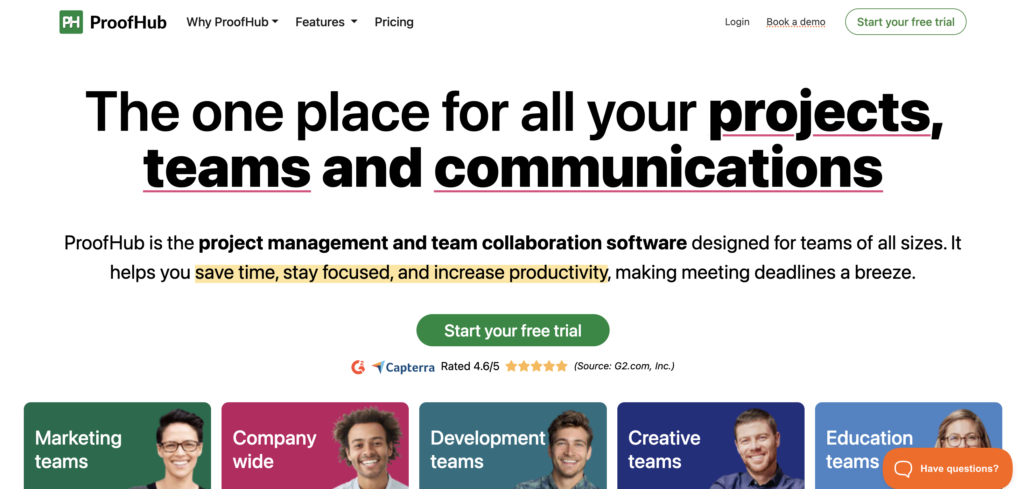
ProofHub is an all-in-one project management and team collaboration platform that replaces the fragmented combination of email threads, shared drives, and separate task boards with a single connected workspace. Remote teams use it to manage projects, assign tasks, track deadlines, share files, and keep all project communication in one searchable place. For distributed teams where context lives in too many channels, ProofHub makes the current state of any project visible to everyone without requiring a status meeting.
Key Features
- Task management with boards, Gantt charts, and milestones
- Built-in chat, discussions, and announcements to replace scattered email threads
- File storage and document management linked directly to projects
- Time tracking per task for remote team visibility and billing
- Custom workflows and roles for consistent cross-team processes
Best For: Remote teams that need a single source of truth for projects, tasks, and team communication without managing multiple disconnected tools.
2. HubEngage
Solves: Communication fragmentation—a unified hub for company-wide messaging, knowledge, and task coordination.
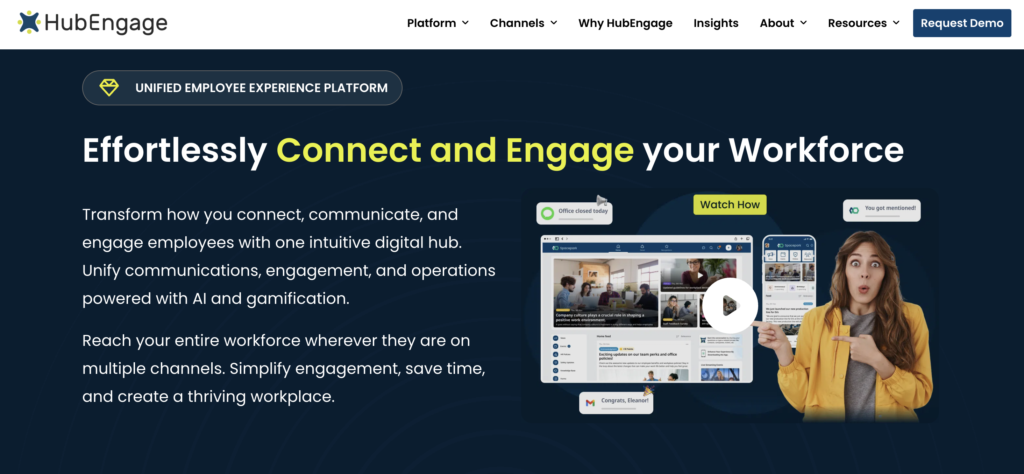
HubEngage is a workforce experience platform that keeps remote teams connected, informed, and productive through a single digital hub. It brings together company communications, knowledge sharing, team messaging, task coordination, and employee support, reducing the need to switch between multiple applications throughout the workday. Features such as AI-powered search, multilingual chatbot assistance, and mobile access make it easy for employees to find information, collaborate with colleagues, and stay aligned with organizational priorities regardless of where they work.
Key Features
- Company communications, team messaging, and knowledge sharing in one platform
- AI-powered search and multilingual chatbot assistance
- Task coordination and workforce productivity tools
- Mobile-first experience for remote and hybrid teams
- Integrations with Microsoft Teams, Slack, and other workplace tools
Best For: Distributed HR and operations teams that need one platform for communications, knowledge access, and employee alignment across regions and time zones.
3. Slack
Solves: Communication fragmentation—structured, searchable messaging that replaces scattered email and DM threads.
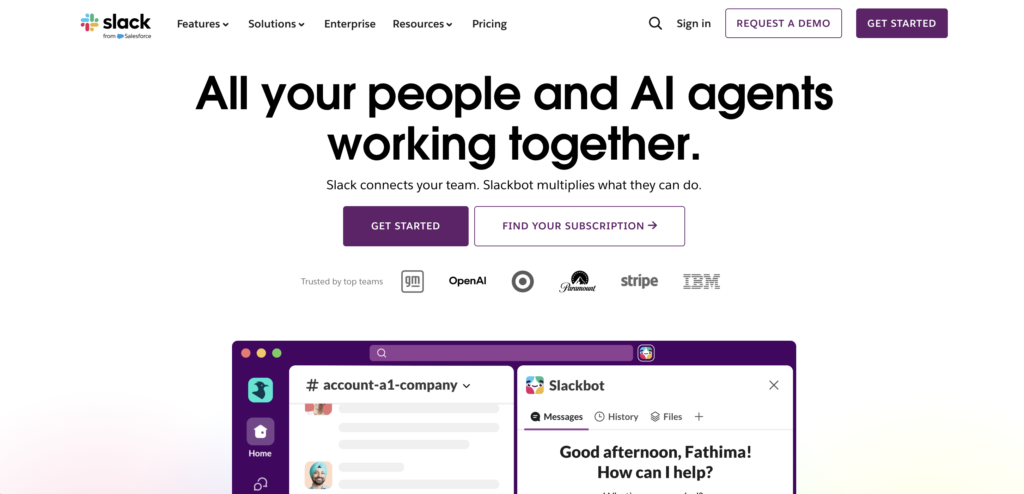
Slack organizes team communication into channels—by project, team, or topic—so conversations stay contextual and searchable rather than buried in inboxes. For remote teams, the difference between Slack and email isn’t just speed: it’s the ability to find what the team decided six weeks ago in 30 seconds. Huddles and clips handle lightweight synchronous needs, while integrations with tools like Google Drive, Notion, and project management platforms mean Slack can sit at the center of a distributed team’s daily workflow without becoming a silo itself.
Key Features
- Channel-based messaging organized by project, team, or topic
- Huddles and video clips for lightweight synchronous communication
- Searchable message history and file sharing across the organization
- Thousands of integrations including Google Drive, Jira, and Zoom
- Free tier with core messaging features available for small teams
Best For: Distributed teams of any size that need a structured, always-on communication layer to reduce email and eliminate the need for status-update meetings.
4. Imagina
Solves: Communication fragmentation and workplace operations, centralizing internal comms, office logistics, and engagement.
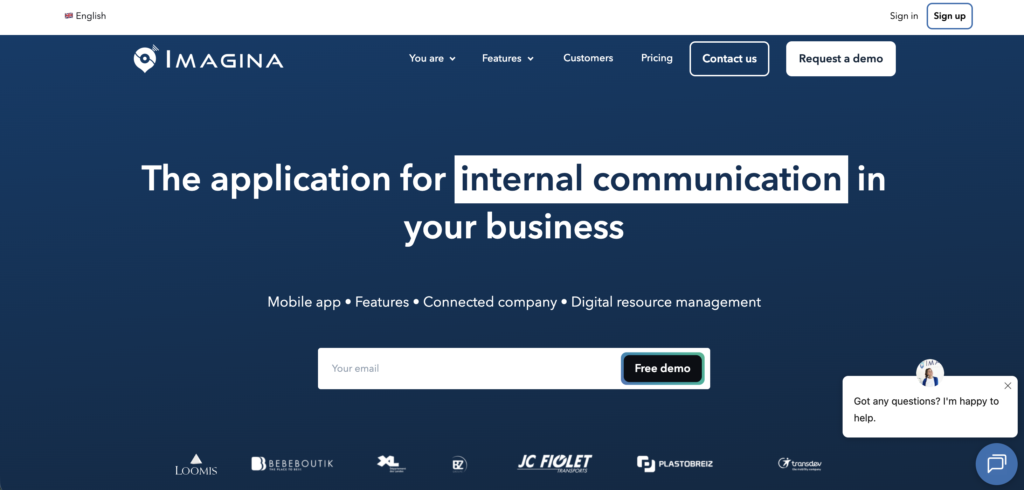
Imagina is an all-in-one employee communication and Smart Office platform designed to improve collaboration, engagement, and workplace management. Available on mobile and web, it centralizes company news, digital signage, desk and meeting room reservations, employee directories, surveys, and internal resources into a single intuitive experience. By reducing information silos and streamlining daily operations, Imagina creates a more connected and productive workplace for both on-site and remote employees.
Key Features
- Internal communication with news, notifications, and targeted messaging
- Smart Office tools: desk, meeting room, and resource booking
- Employee directory and centralized knowledge base
- Surveys and polls to measure and improve engagement
- Digital signage management with multi-site and department-based content
Best For: Hybrid and multi-site organizations that need to consolidate internal communications, office logistics, and employee engagement into one accessible platform.
5. Notion
Solves: Documentation failure—a shared, searchable knowledge base that removes the dependency on individuals for institutional knowledge.
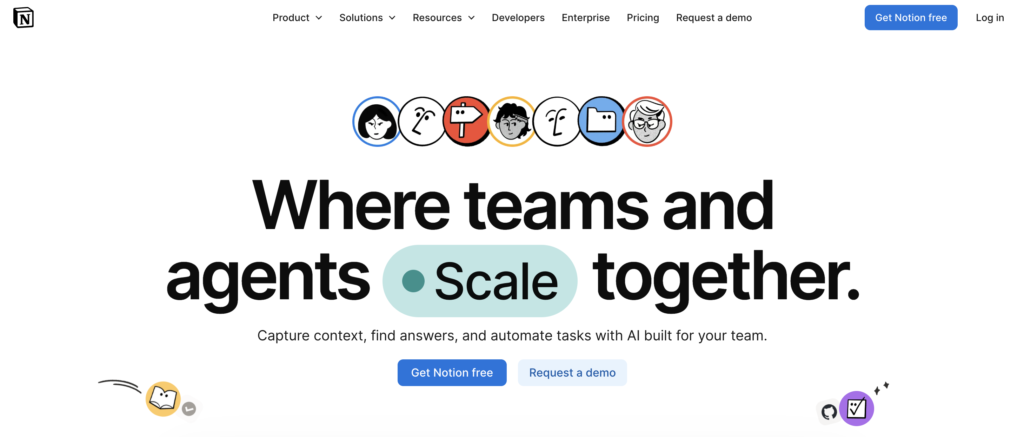
Notion combines documentation, wikis, databases, and project tracking into one flexible workspace. For remote teams, its most important function is creating a shared knowledge base where decisions, SOPs, onboarding guides, and project context are searchable by anyone at any time—regardless of time zone or working hours. When a new hire in a different country can find the answer to a process question in 90 seconds without pinging a colleague, the whole team moves faster. Notion’s free tier makes it accessible to teams at any stage.
Key Features
- Flexible docs, wikis, and databases in a single connected workspace
- Searchable knowledge base accessible across the entire organization
- Project and task tracking with kanban, timeline, and table views
- Templates for onboarding, SOPs, meeting notes, and team handbooks
- Free tier with unlimited pages and core collaboration features
Best For: Remote teams that need a centralized, always-available documentation hub to replace scattered files and reduce repeated questions across time zones.
6. Teramind
Solves: Visibility gaps—objective workforce analytics that show how remote teams actually spend their time, without micromanaging.
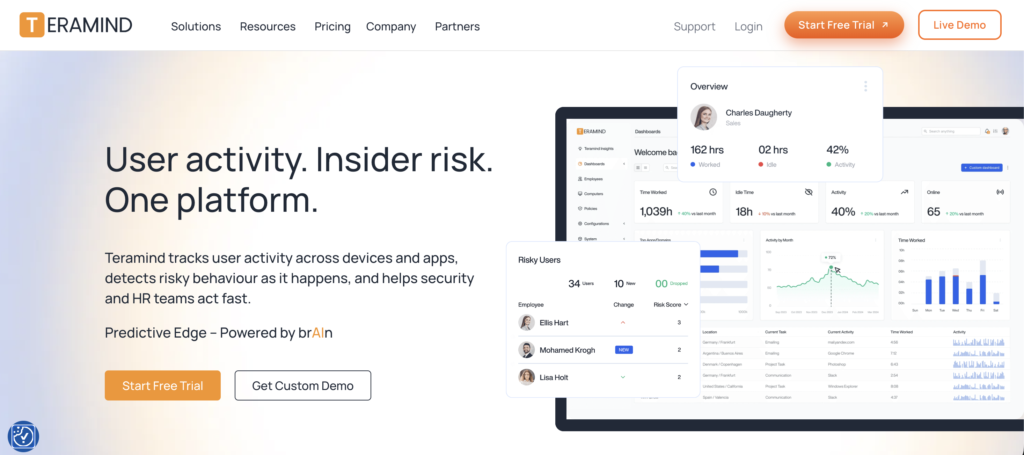
Teramind is a comprehensive workforce analytics solution designed to optimize remote and hybrid workflows through objective data. Rather than requiring managers to chase status updates, it delivers visibility into digital work patterns—active versus idle time, application usage, and productivity trends—so leaders can identify bottlenecks and establish performance benchmarks without constant check-ins. Its transparent “Revealed Agent” mode gives remote workers visibility into their own monitoring data, which reduces friction and builds trust in distributed team environments.
Key Features
- Live View and Historical Playback for real-time and retrospective activity review
- Website and application monitoring to track time spent across tools
- Productivity analytics logging active versus idle time to surface patterns
- OCR (Optical Character Recognition) to extract data from onscreen activity
- Email and message monitoring to support compliance and data loss prevention
Best For: Remote team managers and operations leads who need objective productivity data to identify workflow bottlenecks and set performance benchmarks without micromanaging.
7. Vendasta
Solves: Visibility gaps and async inefficiency—an AI-powered platform that automates client acquisition and engagement for agency and distributed teams.
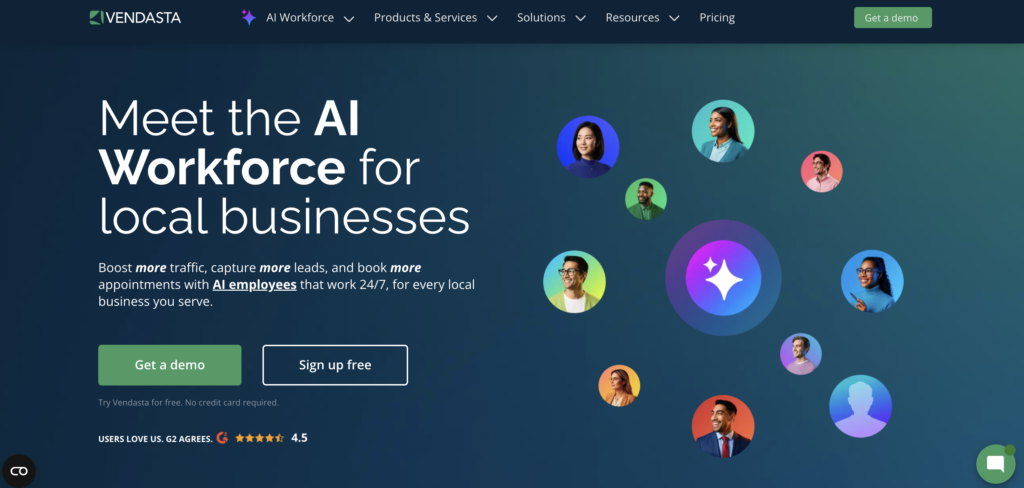
Vendasta is an AI-powered customer acquisition and engagement platform built for digital agencies, Managed Service Providers (MSPs), and franchisors managing distributed client bases. It combines AI workforce tools, a white-label client portal, reputation management, and marketing automation into one unified platform. Remote teams use it to manage client relationships, automate sales pipelines, and deliver measurable results without coordinating across multiple disconnected tools. The AI agents—including an AI Receptionist, Content Writer, and SEO Specialist—handle routine tasks around the clock, which matters significantly when your team is spread across time zones.
Key Features
- AI Workforce agents: Receptionist, Content Writer, SEO Specialist, and Salesperson
- White-label client portal for branded client communication and management
- Reputation management to monitor and respond to reviews across platforms
- CRM and sales automation with pipeline tracking and Snapshot Reports
- Marketplace of hundreds of resellable digital products and services
Best For: Digital agencies and MSPs managing distributed client relationships who need AI-driven automation to keep client acquisition and service delivery running across time zones.
8. Jobma
Solves: Async inefficiency—video interviewing that removes scheduling friction from cross-time-zone hiring.
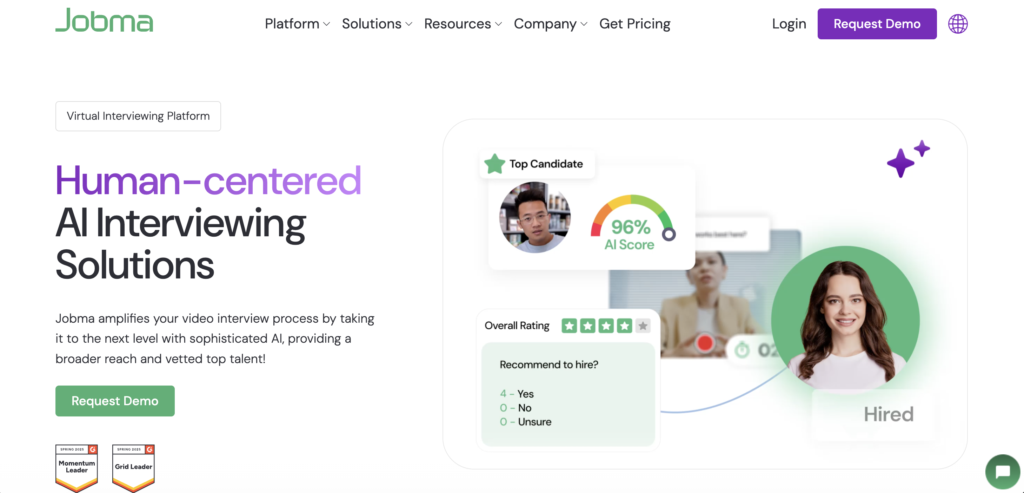
Jobma is a video interviewing platform that eliminates the scheduling overhead that makes global recruitment slow and expensive for remote hiring teams. One-way video interviews let candidates record responses on their own time. Hiring teams review, rate, and share feedback asynchronously—no calendar coordination required. For distributed teams actively hiring across regions, this compresses weeks of scheduling back-and-forth into days. Applicant Tracking System (ATS) integrations with RecruitCRM, Workday, JazzHR, and Workable mean Jobma fits into existing hiring workflows rather than replacing them.
Key Features
- One-way video interviews for fast, asynchronous candidate screening
- Live video interviews for real-time hiring conversations when needed
- Coding assessments to evaluate technical skills remotely
- Structured interview evaluation and rating tools for team collaboration
- ATS integrations with Workday, JazzHR, Workable, and other platforms
Best For: Talent acquisition and HR teams hiring across multiple time zones who need to cut scheduling delays and move candidates through the process without live coordination.
9. Clinked
Solves: Client collaboration—a secure, branded workspace that replaces scattered email threads and disconnected tools for managing client-facing work.
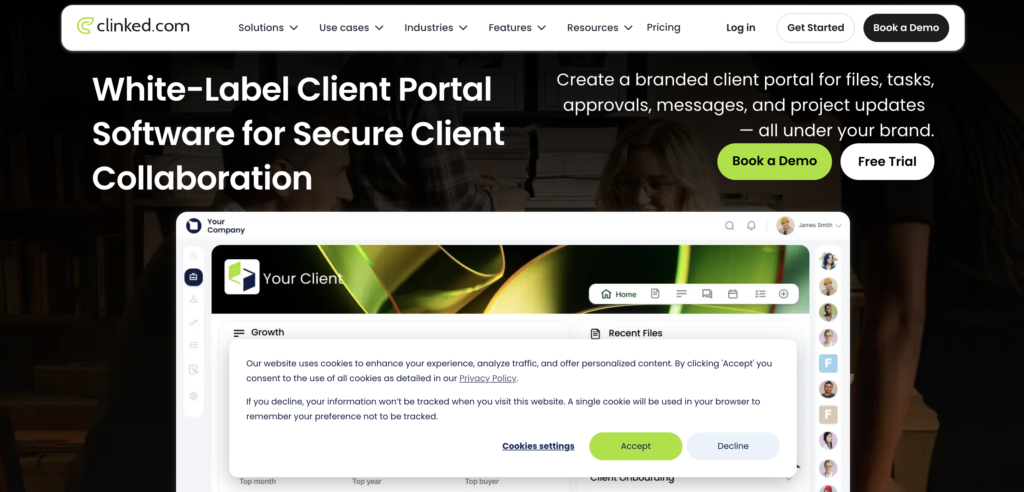
Clinked is a secure client portal and collaboration platform that helps remote teams manage client-facing work in one place. Instead of spreading conversations, files, approvals, tasks, and project updates across email and disconnected tools, teams can create dedicated workspaces for each client, partner, or project. This makes it particularly useful for remote businesses working with external stakeholders, letting everyone access the latest documents, track what needs attention, leave comments, complete approvals, and follow project progress without chasing updates across time zones. Its white-label capabilities also let companies customise the platform with their own branding, domain, colours, and logo, creating a more consistent, professional client experience.
Key Features
- Secure file sharing and document management
- Dedicated client and project workspaces
- Tasks, discussions, approvals, and activity updates
- Granular permissions and access controls
- File version control and audit trails
- White-label branding and custom domains
- Mobile apps for iOS and Android
- Integrations with tools including Microsoft 365, Google Workspace, Zapier, DocuSign, and QuickBooks
Best For: Remote agencies, consultants, accounting firms, legal teams, and other businesses managing collaborative client work that need more structure than email and shared drives can provide.
10. Website Promoter
Solves: Tool discovery—a curated directory of remote work tools across key operational categories.
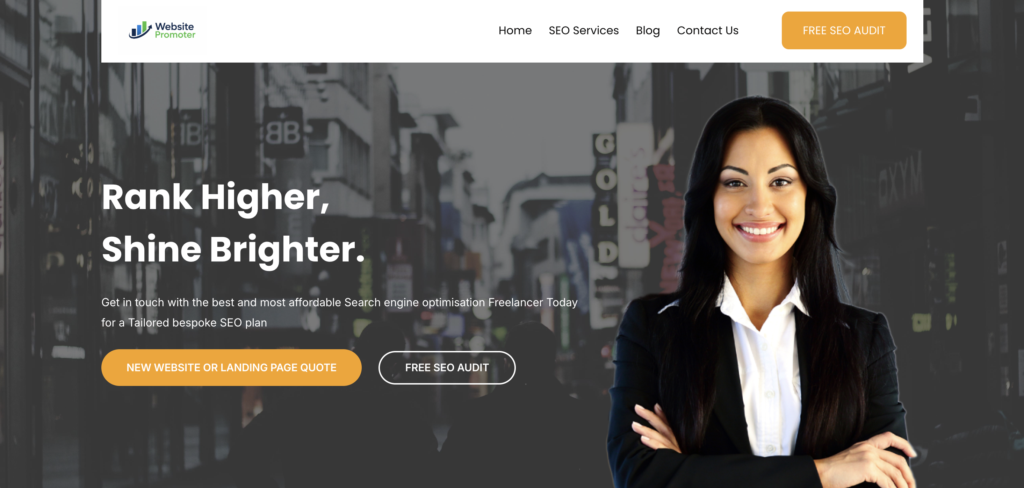
Website Promoter curates digital tools and applications that organizations use to integrate remote working into their operations across categories including project management, productivity, communication, and employee satisfaction. For operations managers evaluating or auditing their distributed team stack, it provides a structured reference point rather than requiring open-ended search across review platforms. The directory covers tools suited to teams at different stages of remote maturity—from early-stage setups to established multi-region operations.
Key Features
- Curated tool reviews across project management, productivity, and communication
- Employee satisfaction and engagement tool recommendations
- Practical comparisons to support tech stack evaluation decisions
- Coverage across remote work categories for teams at any stage
- Regularly updated listings relevant to distributed team operations
Best For: Operations leads and founders conducting a remote tool audit who want category-organized recommendations rather than starting from a blank search.
11. Monday.com
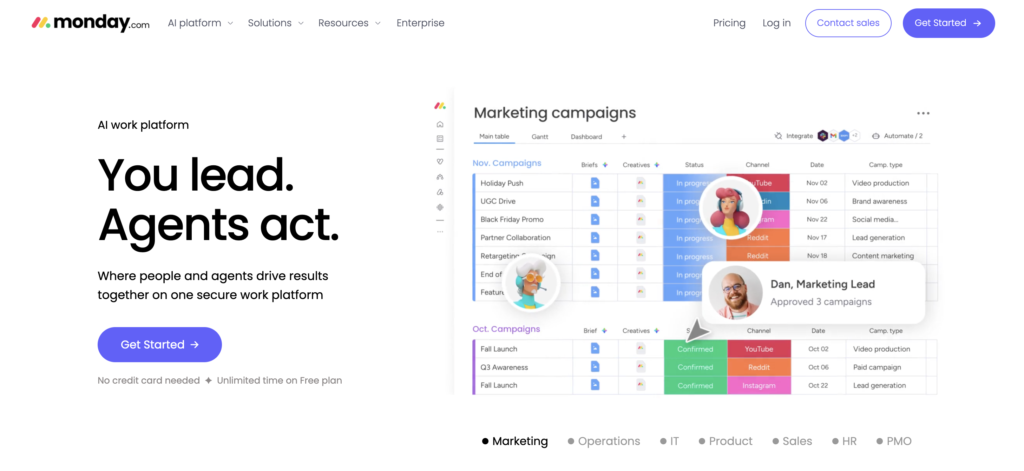
A highly flexible, cloud-based project management platform that structures workflows using customizable rows (items) and columns. It bridges the communication gap for remote workforces by keeping timelines, assignments, and conversation logs attached directly to the work itself.
Key Features for Remote Productivity:
- Visual Workload Tracking: Use Gantt charts and timeline views to monitor team capacities globally, preventing burnout by ensuring tasks are distributed evenly.
- No-Code Automations: Build instant recipes (e.g., “When a status changes to ‘Done,’ notify the supervisor on Slack”) to maintain momentum across different time zones without requiring manual check-ins.
- Guest Access: Securely invite external contractors or clients into specific project boards to view progress, eliminating formal update meetings.
Smart Budget Tip: Securing a Monday.com Discount
Software costs can climb rapidly as you scale up your remote staff. The easiest way to secure a built-in Monday.com discount is to choose annual billing over a monthly subscription at checkout.
Best For: Cross-functional remote teams (marketing, operations, and product) that need clear visual workflows to manage complex projects asynchronously.
12. HelmHQ.ai
Solves: Marketing workflow inefficiency and SEO operations—automating search visibility tasks that typically consume significant manual effort.
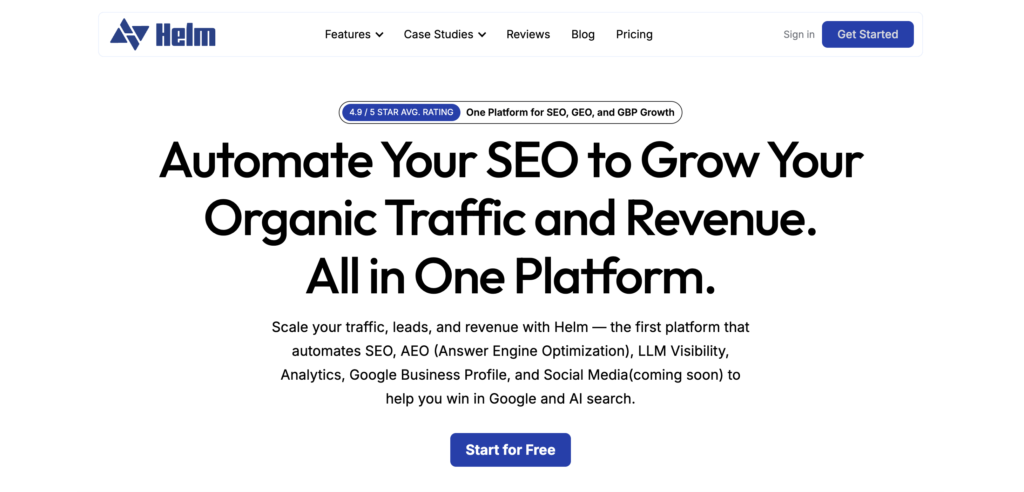
HelmHQ.ai is an all-in-one platform that automates SEO, Answer Engine Optimization (AEO), LLM visibility, analytics, Google Business Profile management, and social media workflows for businesses. For distributed marketing teams, it centralizes search growth activities into a single system, reducing the need to coordinate across multiple SEO, reporting, and local search tools. By automating repetitive optimization tasks and providing unified visibility into performance, teams can spend less time on manual execution and more time on strategic initiatives.
Key Features
- SEO automation and optimization workflows
- AEO and AI search visibility tracking
- Google Business Profile management
- Unified analytics and reporting
- Social media management (coming soon)
Best For: Remote marketing teams, agencies, and growing businesses that want to automate SEO operations and improve search visibility while reducing manual workload.
13. Timely
Solves: Visibility gaps and time tracking overhead, automatically capturing work activity so remote teams can complete accurate timesheets without relying on timers or memory.
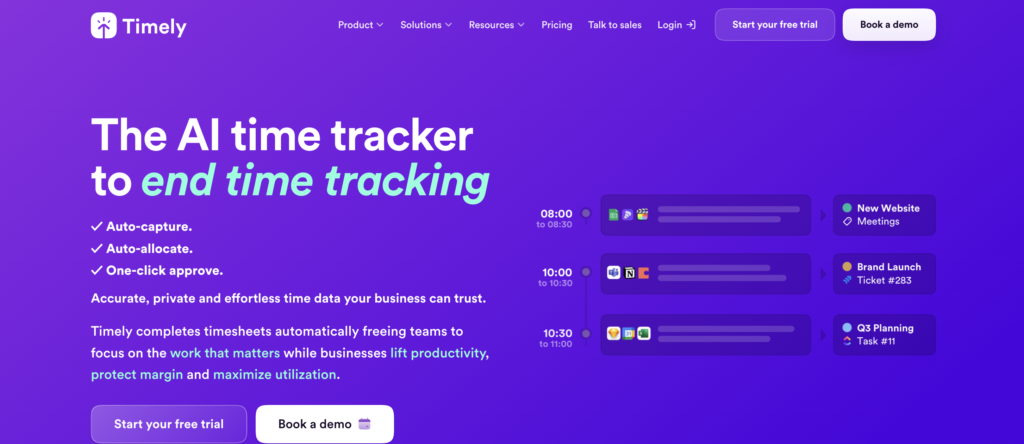
Timely is an automatic time tracking platform for agencies and professional services firms that need reliable records of project work. Its Memory tracker records activity across web and desktop apps, then uses that data to prepare draft timesheet entries for each user to review and approve. Managers gain clearer information on project hours, budgets, and team capacity without asking employees to manually reconstruct their workdays.
Timely also uses a privacy-centered approach to workforce visibility. Each person’s Memory timeline remains private, while managers only see the time entries that the user chooses to log. The platform does not take screenshots or record keystrokes, giving remote teams useful time data without invasive employee monitoring.
Key Features
- Automatic time tracking: Memory records time spent in active web and desktop apps, creating a private timeline that users can review later
- Assisted timesheets: Timely prepares draft entries based on captured activity and learns how users assign work to projects
- Project and budget tracking: Teams can compare logged hours with project budgets, monitor billable work, and review project costs
- Capacity planning: People dashboards and planning tools help managers understand workloads, scheduled hours, and available capacity
- Workplace integrations: Timely connects with Google Calendar and Microsoft Teams, along with popular project management and accounting platforms
Best For: Remote agencies and professional services firms that need accurate billable hour data without timers or invasive monitoring.
14. Krisp AI
Solves: Noisy calls, inconsistent audio quality, and manual note-taking overhead, automatically cleaning up sound and capturing meeting content so remote teams don’t need a bot in every call or notes taken by hand.
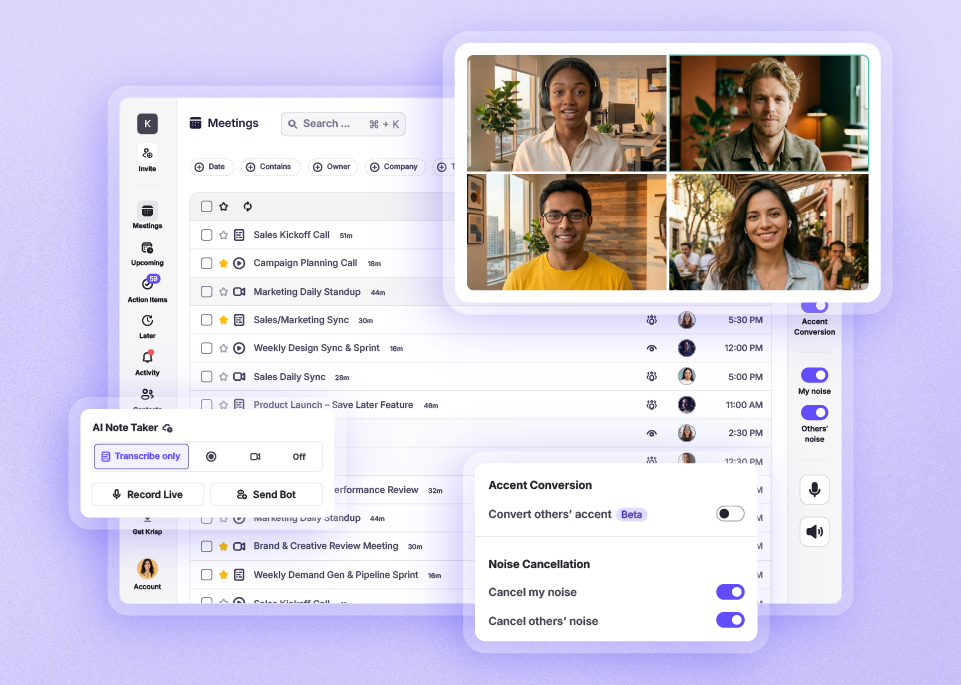
Krisp is an all-in-one AI note taker for remote teams and privacy-conscious professionals who need every conversation to be clear, captured, and actionable. It combines noise cancellation, real-time accent conversion, accurate transcription, and automated action items, then runs quietly in the background through a desktop app rather than joining calls as a visible participant.
Krisp also takes a bot-free approach to meeting intelligence. Where many call-tracking tools rely on a virtual assistant sitting in the meeting, Krisp works invisibly on both ends of the call. It may not offer the deep CRM integrations of sales-focused platforms, but it delivers enterprise-grade security (SOC 2, GDPR, and HIPAA compliant) and consistently clear audio for every participant.
Key Features
- Noise and voice cancellation: Eliminates background noise, room echo, and unwanted voices on both ends of the call
- Real-time accent conversion: Adjusts accents live for clearer communication between speakers
- Live transcription: Generates highly accurate transcriptions synced with audio recordings
- Automated summaries and action items: Captures meeting outcomes and next steps without requiring a bot
- Workplace integrations: Connects with Zoom, Microsoft Teams, Google Meet, Slack, and more
Best For: Remote teams and privacy-conscious professionals who want clean audio and reliable meeting capture without introducing a bot into their calls.
How to Build a Remote Tool Stack That Actually Gets Used
Adding tools is easy. Getting a distributed team to actually use them—consistently, across time zones, without constant reminders—is where most tool rollouts fail.
One valuable insight is that team-level friction is not the same as individual friction: a shared documentation hub won’t fix someone who struggles to structure their own day. Coaching, 1:1s, and potentially tools like a daily planner for ADHD solve the same underlying problem, just from a fundamentally different root.
Before adopting anything on this list, run it through three question
1. What specific friction does this remove?
If you can’t name the bottleneck in one sentence, the tool won’t solve it. “We need better communication” is not a bottleneck—it’s a symptom. “Decisions made in Slack on Monday don’t reach the APAC team until Wednesday” is a bottleneck, and it maps to a specific tool category.
2. Will it create new overhead?
Every tool is also a new login, a new notification source, and a training requirement. A project management platform that requires daily manual updates creates more overhead than it removes for teams that won’t maintain it. The right tool reduces the work required to stay coordinated—it doesn’t add a new coordination job.
3. Does it integrate with what you already use?
An isolated tool creates exactly the kind of information silo it’s meant to solve. Check for native integrations with your communication layer, your calendar, and your file storage before committing. A tool that requires manual data transfer between systems will be abandoned within six weeks.
The practical starting point for most remote teams is two layers: one communication tool (structured messaging with searchable history) and one project visibility tool (task tracking with clear ownership and deadlines). Get those two working first. Add tools for async hiring, documentation, analytics, or engagement only where work is still visibly stalling.
A stack of 10 tools that nobody uses consistently is less productive than three tools that the whole team trusts. Start narrow, document how each tool is meant to be used, and expand from there. Building systemized business processes reduces confusion, improves accountability, and keeps remote teams aligned regardless of location.
The Right Tools Stack Removes Friction
A productive remote team isn’t one with the most tools. It’s one where the right systems remove friction from daily work—where everyone knows where to find what they need, where decisions don’t stall because someone’s offline, and where institutional knowledge doesn’t live exclusively in one person’s head.
Before adding anything from this list, audit your current stack against the four failure modes above. Identify where work actually slows down—not where it theoretically could. That gap is your starting point. The tool that closes it is the one worth implementing.