You finally block a few hours to clean up your startup’s tools. Two spreadsheets, three “free” trials, and a handful of surprise renewals later, you realize half your stack overlaps and nobody knows which tool owns what. That drag hits hardest when your team is small and every context switch costs momentum.
The best tools for startups are the ones that match your stage, headcount, and go-to-market motion, not the ones with the flashiest feature pages. The real risk is picking tools for the company you want to be in three years instead of the one you are this quarter. This guide gives you a simple decision framework, then walks through a focused list of tools that fit early-stage realities without overbuilding your stack.
Use this as a menu, not a checklist. You do not need every item here on day one, and the best tools for startups are the ones you can actually keep using six months from now.
Table of contents
- How to choose the best tools for startups without overcomplicating your stack
- The core tool categories every early-stage startup needs
- How to Choose the Best Tools for Startups Without Overcomplicating Your Stack
- The Core Tool Categories Every Early-Stage Startup Needs
- Build Your Startup Stack on a Foundation That Scales
- Frequently Asked Questions About the Best Tools for Startups
- How do CRM tools help early-stage startups?
- What is the difference between free and paid startup tools?
- How do you avoid tool sprawl as your startup scales?
How to choose the best tools for startups without overcomplicating your stack
Your stack should feel boring in the best way. It should let you communicate, ship product, and close deals without forcing everyone to learn five new dashboards every quarter. That only happens if you choose tools that fit your current stage instead of an imagined future org chart.
Most early-stage teams run into the same problem: tool sprawl. You add software faster than you add clarity. A friend recommends a sales engagement platform, a vendor pushes “limited-time founder pricing,” and suddenly you have three ways to send an email and zero clear ownership. It is not only a startup problem, either: even established companies now run more than 100 SaaS apps on average, and analysts estimate roughly a quarter of SaaS spend is wasted on tools nobody fully uses.
Tool sprawl usually comes from three places. You scale too early and buy enterprise features before you have enterprise problems. You chase what peers or influencers say you “must use” without mapping it to your own workflows. Or you let free trials roll into paid plans without a deliberate decision.
The cost is more than the monthly bill. Every new product adds onboarding, integration work, security review, and ongoing admin. When you are five to 10 people, that overhead often lands on founders or operators who already context switch enough.
Use a simple filter before you add anything new:
- Does this solve a painful problem you have right now?
- Will someone on your team clearly own it?
- Does it integrate cleanly with two or three core tools you already rely on?
- Can you see yourself using it weekly for the next six to 12 months?
If any answer is no, defer the purchase. Your future self will thank you when you are not migrating data out of an expensive platform you never quite adopted.
The core tool categories every early-stage startup needs
You do not need dozens of products to build a real company. You need a handful of categories covered well enough that work does not fall through the cracks or live only in one person’s head.
For most early-stage B2B SaaS teams, those categories look like this:
- Communication: internal chat, video calls, and async updates so decisions do not hide in DMs.
- Project and task management: a shared view of priorities, owners, and timelines across product, marketing, and sales.
- Customer relationship management (CRM): one place for all customer and prospect context, from first touch to renewal.
- Finance and billing: invoicing, subscriptions, and cash visibility so you do not manage runway in a personal spreadsheet.
- Analytics: basic product and marketing data to answer “what is working?” without guesswork.
- Product and engineering infrastructure: code hosting, deployment, and monitoring so you can ship reliably.
Cover these first. You can layer on content tools, sales automation, and deeper analytics once you have repeatable workflows and a clear content strategy or go-to-market motion.
What should you postpone? Anything that solves a problem you have not felt yet. That usually means advanced marketing automation, complex data warehousing, full-blown HR suites, or multi-entity accounting before you have those entities. The discipline to wait often matters more than the specific tool you choose.
#1 Vendasta
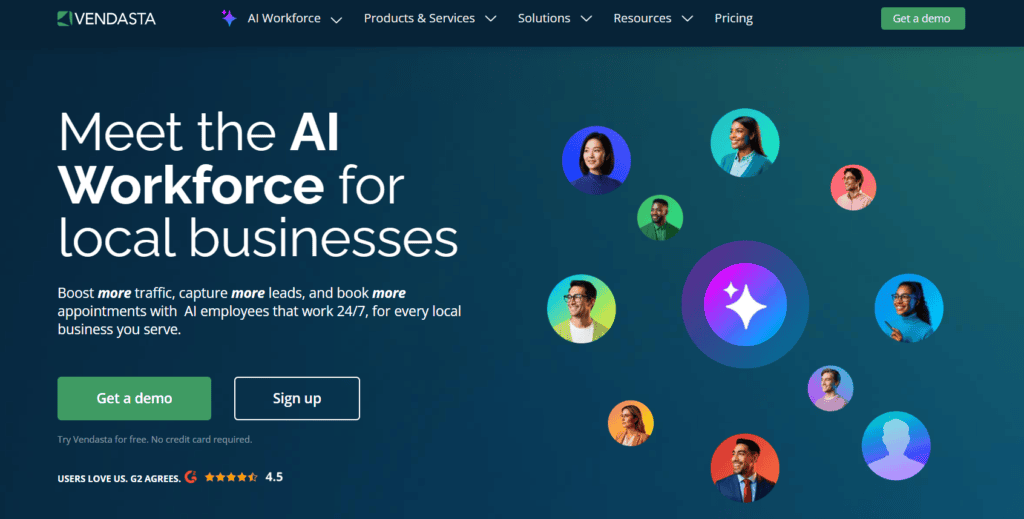
Vendasta is an all-in-one AI platform for startups serving local businesses. Startups building for the small and medium-sized business (SMB) market hit the same wall: their customers need real marketing, sales, and engagement tools but lack the budget or bandwidth to stitch them together. Vendasta gives startups and their SMB customers everything needed to win and keep customers—digital marketing, CRM, AI automation, reputation management, and more—in one connected, white-label system they can resell under their own brand.
Ideal for:
- Early-stage and growth-stage startups whose product targets SMBs or local businesses
- Founders building agency or reseller models for the local business market
- Lean teams that want enterprise-grade AI and automation without enterprise headcount
Key features:
- AI Employees (Receptionist, Reputation Specialist, Content Writer, SEO Specialist, Inside Salesperson) live in minutes, with no lengthy implementation
- Full customer journey coverage, from first ad impression to repeat purchase, in one platform
- Workflow automations for booking, follow-ups, review requests, social posting, and campaign adjustments
- White-label platform that startups and agencies can resell under their own brand
- Shared partner-client dashboards to manage a whole book of SMB business from one place
Pricing: Vendasta uses a minimum-spend model billed in CAD, so the platform can cost $0 per month when your product spend covers the minimum. Paid tiers run from a $119 per month minimum (Starter, no contract) to $1,249 per month (Premium), with custom enterprise pricing for larger portfolios.
#2 Bizplanr
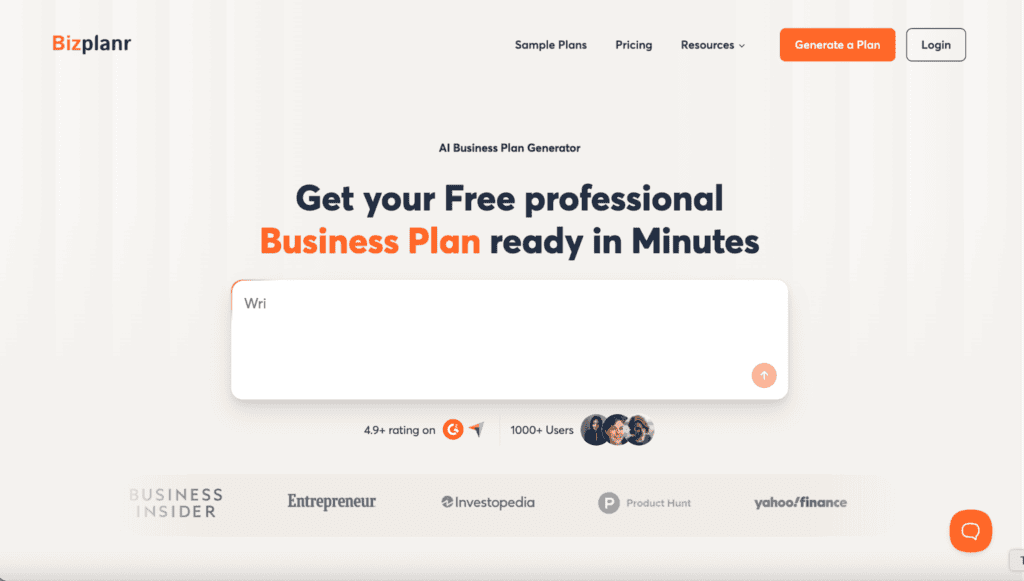
Bizplanr is a free AI business plan generator that turns a few questions about your idea, industry, and goals into a full, structured business plan in minutes. It is built for founders who need an investor- or lender-ready plan, complete with market analysis, strategy, and financial projections, without hiring a consultant or starting from a blank page. Built by Upmetrics, it also gives you a clear upgrade path as your planning needs grow. If those projections show you’ll need working capital before revenue catches up, a small business line of credit can bridge the gap without giving up equity.
Ideal for: First-time founders, early-stage startups, and small business owners who need a professional business plan for fundraising, validation, or launch without specialized financial or writing experience.
Key features:
- Guided, question-based business plan builder
- AI-generated financial forecasts and projections
- Built-in AI assistant for drafting and refining sections
- Real-time collaboration to share plans with partners and advisors
- Export and share as PDF, with Word and Excel export on paid plans
Pricing: Free to generate and download a plan as a PDF, with no login required. The paid tier (Upmetrics AI) starts at $14 per month and adds sample plans, deeper financials, scenario planning, a pitch deck builder, and multi-format export, backed by a 15-day money-back guarantee.
#3 ProofHub
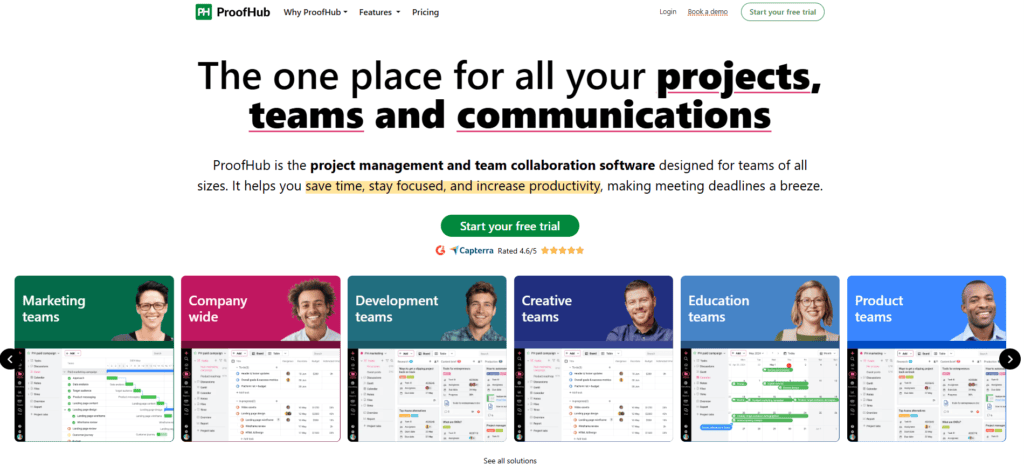
ProofHub is a project management and team collaboration software that brings projects, tasks, communications, and approvals into one centralized platform. Teams use it to plan work, assign tasks, track progress, and hit deadlines without jumping between multiple tools. From growing startups to large agencies, ProofHub scales with your team and keeps everyone on the same page, without the chaos of different tools.
Key features:
- Multiple project views: Manage work your way with Kanban boards, Gantt charts, calendar, and table views, all built into one platform
- Proofing and approvals: Review and approve creative files with feedback directly on the file, no extra tools or email threads needed.
- Time tracking and reports: Log team hours, set estimates, and pull real-time reports to keep projects on track and decisions data-driven.
- Built-in chats: Message your team and clients directly inside the platform, no need to switch to a separate messaging app
Ideal for: Teams managing multiple projects: Marketing teams, creative agencies, and product teams that handle multiple clients and projects at the same time and need one place to keep everything organized.
Remote and growing teams: Teams that are scaling fast and cannot afford to lose time switching between different tools for tasks, approvals, and communication.
Pricing: ProofHub offers two flat-rate plans, Essential at $45 per month and Ultimate Control at $89 per month, both with unlimited users and a 14-day free trial.
#4 Kuberns
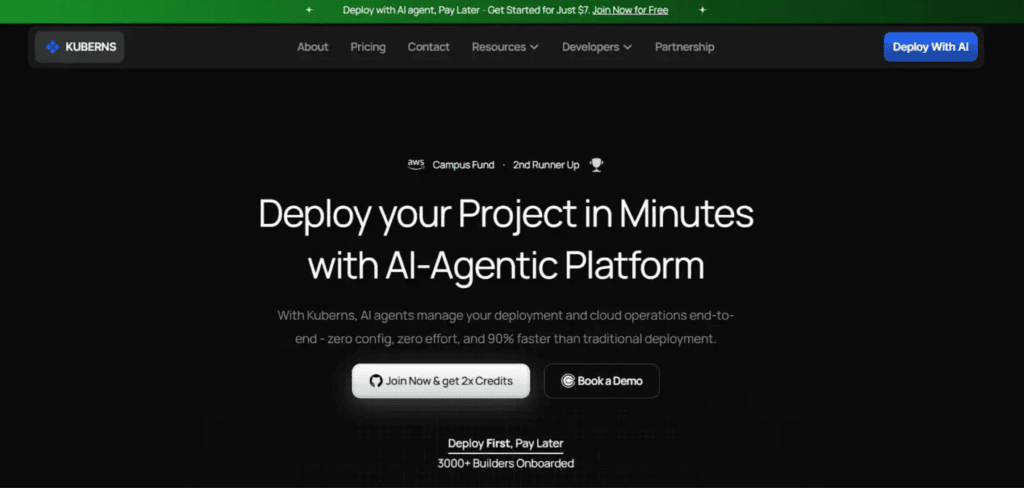
Kuberns is ideal for startups, developers, agencies, and SaaS teams that want to deploy and manage applications without handling complex DevOps workflows. It helps teams launch products faster, manage multiple client deployments, reduce cloud costs, and simplify infrastructure management using agentic AI and one-click deployments.
Key features:
- Agentic AI automatically handles deployment and infrastructure management
- One-click deployment from GitHub to production
- No DevOps setup or server configuration required
- Unlimited team members with no per-user pricing
- Built-in CI/CD, monitoring, logging, and alerts
- Faster deployments with reduced operational overhead
- Lower cloud costs through optimized infrastructure
- Auto-scaling and production-ready environments included
- Simple and predictable infrastructure-based pricing
- Helps teams focus on building products instead of managing cloud infrastructure
Ideal for: Startups, Small Teams, Indie developers, small agencies
Pricing: Free trial available. 7$ to start and 2X of credits on first payment
#5 VitaMail
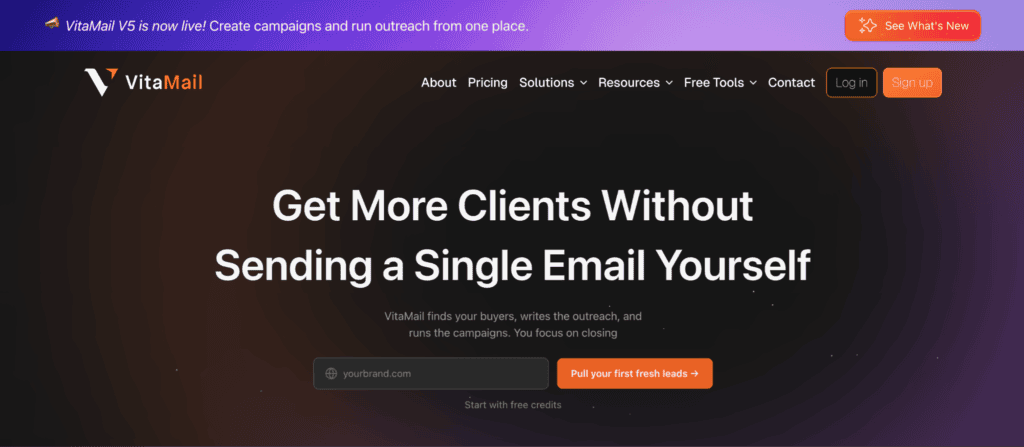
VitaMail is an AI email outreach and campaign tool built for startups and small teams that want a simpler way to reach potential customers.
Startups can use VitaMail to create campaigns, verify email lists, organize contacts, and monitor domain health from one place. By adding their website and choosing what they want to promote, teams can quickly build outreach campaigns without complicated setup.
VitaMail is especially useful for early-stage companies with limited marketing experience. It helps startups keep outreach organized, reduce bounced emails, and manage campaigns through a clear, beginner-friendly workflow.
Ideal for: Startups, small businesses, marketers, agencies, and growing teams that want a simpler way to manage email outreach and campaigns.
Key features:
- Website-based campaign creation
- Personalized emails based on your product or service
- Single and bulk email verification
- Domain health monitoring and alerts
- Domain Doctor for domain issue guidance
- Contact lists and workspaces
- Flexible pay-as-you-go pricing
Pricing: Pay-Per-Use starts at $10 for 1,000 credits, Business plan starts at $49/month, 1,000 free credits included for new users
#6 AnyBiz.io
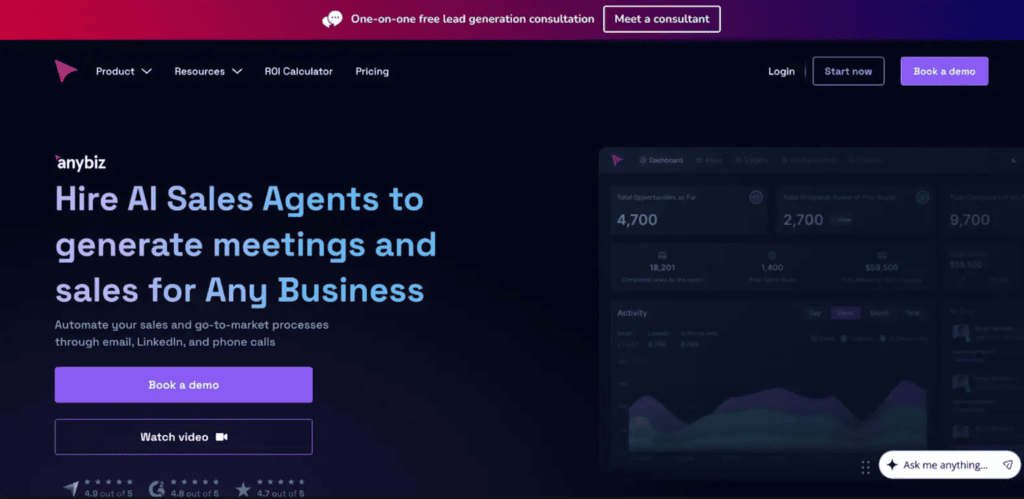
AnyBiz.io is an AI-powered platform for automated sales meetings and deal flow. Autonomous AI SDRs run outreach across cold calling, email, and LinkedIn to generate qualified leads and book meetings — combining hyper-personalized messaging, website visitor detection, AI-generated landing pages, and CRM integrations to deliver real, measurable lead generation results.
Ideal for: Automating outbound prospecting and multi-channel lead generation (email, LinkedIn, cold calling), converting website visitors into qualified leads, booking sales meetings, and scaling pipeline without growing the SDR team.
Key features:
- AI Cold Calling with tailored scripts;
- AI Email outreach (done-for-you domain & inbox setup, thousands of hyper-personalized emails/month, deliverability monitoring);
- AI LinkedIn outreach (messaging, follow-ups, brand-awareness posting);
- AI-generated personalized landing pages;
- Website Visitor Detection with automated outreach;
- CRM integrations (HubSpot, Intercom);
- access to millions of prospects via AI intent-signal detection.
Pricing: Pricing is not publicly fixed. Book a demo for a tailored quote.
#7 factoHR
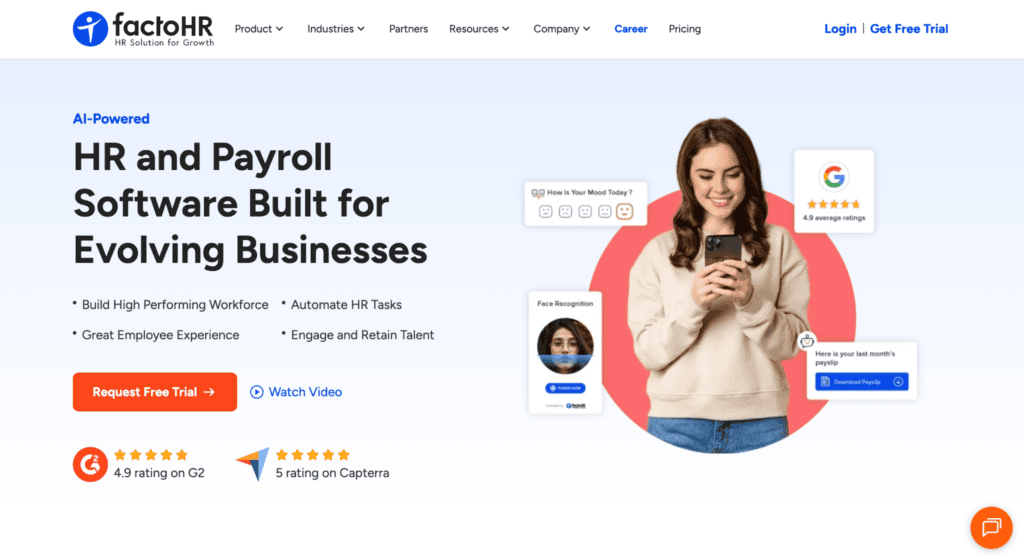
factoHR is a mobile-first HRMS platform that provides a sharp system to automate everything from self-onboarding and touchless attendance to payroll processing and performance tracking (connected altogether). Its scalable architecture allows growing startups to streamline their daily administrative tasks and focus on building a strong work culture over time.
Ideal for: Founders and HR teams who want an all-in-one, automated system to eliminate manual data entry, reduce compliance risks, and provide an excellent employee experience right from day one.
Key features:
- Touchless Attendance: AI-enabled facial recognition, geo-fencing, and selfie-punch tracking via the mobile app.
- Automated Payroll: Wizard-driven processing with built-in statutory compliance, advance/loan management, and one-click disbursement.
- Employee Self-Service (ESS): A comprehensive mobile app where employees can download payslips, declare investments, and apply for leave independently.
- Performance Management: Configurable review cycles, OKR tracking, 360-degree feedback, and performance-linked payroll.
- Digital Onboarding: Paperless joining kits, customized offer letter generation, and automated asset management.
Pricing
- Free Small Teams: $0 for up to 20 employees
- Core: $59/month for up to 50 employees ($2/month per additional employee)
- Premium: $69/month for up to 50 employees ($3/month per additional employee)
- Ultimate: $79/month for up to 50 employees ($2/month per additional employee)
#8 Synthesia
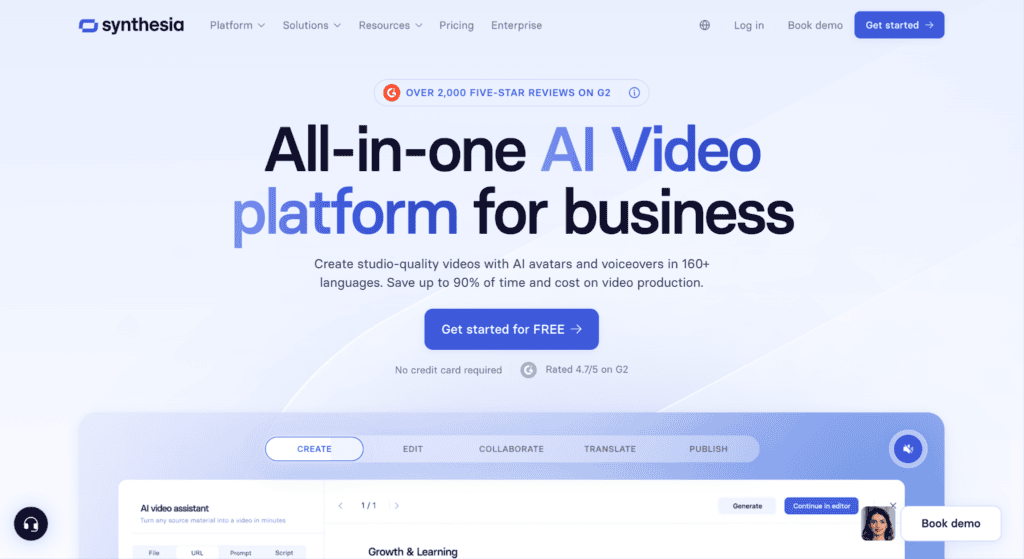
Synthesia’s video translator turns any video into a multilingual asset in minutes. Upload your content, choose from 140+ languages, and get a fully dubbed, lip-synced output that preserves each speaker’s voice. No studio, no dubbing agency required. Need subtitles instead? Generate those too, in the same workflow. A Translation Glossary locks brand terms so nothing gets mistranslated, and when content changes, you re-translate in clicks, not weeks.
Ideal for: Startups that want to scale vertically through localization
Key features:
- Lip Sync
- Voice Cloning
- Fast Processing
- 160+ Languages
Pricing: Free Plan, Starter plan $26/month , Creator Plan $79/month
Build Your Startup Stack on a Foundation That Scales
The best tools for startups are the ones you will actually use every week that do not box you into complexity too early. Match each product to your current stage, pick tools that connect cleanly to each other, and keep your stack small enough that everyone understands how it all fits together.
As you add tools, favor clear upgrade paths, open integrations, and pricing that will not punish you for success. Audit your stack at least twice a year. Remove what nobody uses, consolidate overlapping features, and keep an eye on how much of your burn goes to software instead of people and distribution—across the market, the average company loses six figures a year to unused licenses alone.
The same timing principle applies to growth channels. Content and SEO work best once you have early traction and real customers to learn from. If you are getting close to that point, a structured content growth model shows how tools like CRMs, analytics, and localization platforms support your plan instead of dictating it.
If you want examples of how B2B startups build content programs on top of lean stacks, study Omniscient Digital’s thinking on B2B SaaS marketing, startup content plans, and content strategy. Use it to pressure-test your roadmap before you add another line item to your software budget.
Frequently Asked Questions About the Best Tools for Startups
You will keep making tooling decisions as you grow, so it helps to have a few principles ready. These quick answers cover the questions founders and operators ask most often.
How do CRM tools help early-stage startups?
A CRM centralizes every conversation with prospects and customers so nothing falls through the cracks. At an early stage, that single source of truth replaces fragile spreadsheets and scattered email threads, and it makes handoffs between founders, sellers, and customer success much smoother. Start with a simple CRM that integrates with your email and calendar, then add automation and reporting only when your pipeline complexity justifies it.
What is the difference between free and paid startup tools?
Free tools are built to get you started, while paid plans are built to scale with you. Free tiers usually cap users, records, storage, or automation, and they often limit integrations. Paid versions unlock higher limits, richer features, and real support. A good rule of thumb is to stick with free until the limits actively slow you down, then upgrade the tools that remove the most manual work across your team.
How do you avoid tool sprawl as your startup scales?
You avoid tool sprawl by pairing a clear owner with a clear job for every product in your stack. Before adding anything new, ask whether an existing tool can do the job well enough or integrate with a lightweight add-on. Review your stack quarterly, remove products nobody uses, and consolidate overlapping features. Over time, you want a small set of tools that talk to each other cleanly, not a different app for every minor task.