Simply publishing regular blog posts isn’t enough to run an effective SEO campaign anymore. Efficient SEO operations require your team to conduct keyword research, plan editorial calendars, produce content, manage approvals, and collaborate, all at once.
Without the right system, teams end up with inconsistent publishing schedules, scattered workflows, missed deadlines, and poor keyword prioritization. The right content planning tools fix these problems and keep your SEO efforts on track.
Here’s a look at the best content planning tools for SEO-driven marketing teams, and the core features that make each one stand out.
What are content planning tools?
Content planning tools span a wide range of solutions that help marketing teams organize their work, build plans, and boost productivity. In general, they help with:
- Editorial calendar management
- Keyword research and topic planning
- Task assignments
- Collaboration
This software keeps your SEO campaigns on track, keeps publishing consistent, and streamlines content creation. Using the same platform to build strategy, assign tasks, and collaborate simplifies your entire workflow.
Most content planning tools now help scale content operations and eliminate bottlenecks along the way.
Key features to consider
Not all content planning tools offer the same functionality. Some focus on task management, while others provide deeper SEO-specific tools. Here’s what to look for when evaluating a content planning tool:
SEO planning
For SEO campaigns, content planning tools should give marketing teams the features they need to build a proper strategy, including:
- Keyword organization
- Topic clustering
- Content roadmap creation
- Editorial prioritization
The right software gets your team to SEO-friendly content faster, and the best SEO tools show which content to build first.
Workflow management
A solid workflow management system helps marketing teams coordinate their work and set deadlines. Look for these functions:
- Task assignments
- Deadline tracking
- Approval workflows
- Workflow automation
These functions keep your marketing team’s activities visible and on track.
Collaboration
During content production, marketers need to discuss ideas and get approval from stakeholders. To make this process more productive and transparent, look for content planning tools that support:
- Shared workspaces
- Comments and discussions
- Feedback management
- File sharing
This keeps reviews organized and cuts down on mistakes.
Reporting and visibility
Marketing managers need to track campaign progress and monitor the pipeline of published materials. Reporting features let teams:
- Monitor campaigns’ progress
- Track publishing schedules
- Check task completion
- Manage team workload
This visibility helps marketing leaders spot bottlenecks and resolve them quickly.
6 best content planning tools for SEO-driven marketing teams
Here are five of the best content planning tools for SEO-driven marketing teams, along with what makes each one worth considering.
1. ProofHub
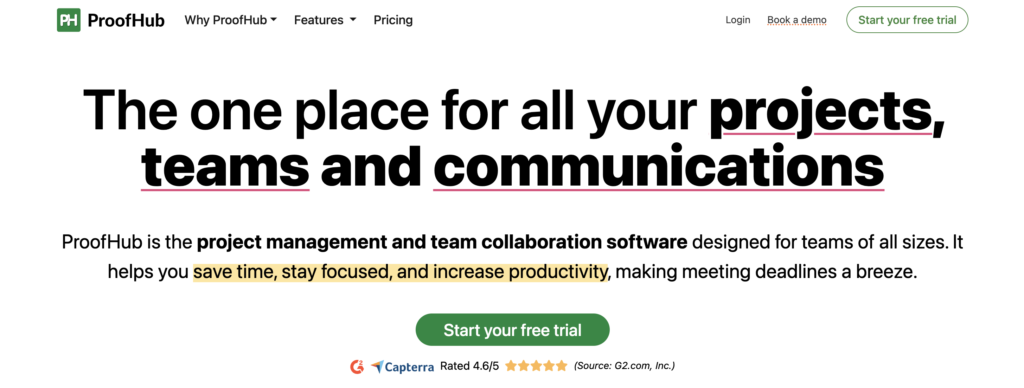
ProofHub helps content teams plan and execute their work through multiple project views, including Kanban-style boards (called Workflows) and an interactive Gantt chart for timeline and dependency planning. Teams can also switch to grid, calendar, or dashboard views depending on how they think through a project. Custom workflow stages, such as Design, Review, and Final approval, mean your content pipeline doesn’t have to bend to fit someone else’s process.
Beyond planning, ProofHub bundles time tracking, team discussions, and role-based permissions, so you can manage client access and internal team access from a single account. Its built-in proofing tool lets reviewers leave comments and annotations directly on images, PDFs, and other media, cutting down the email chains that usually come with content approval. Pricing is flat-rate rather than per-seat, so cost is tied to projects and storage rather than headcount, which makes it easier to add reviewers or stakeholders without the bill climbing per person.
2. Notion
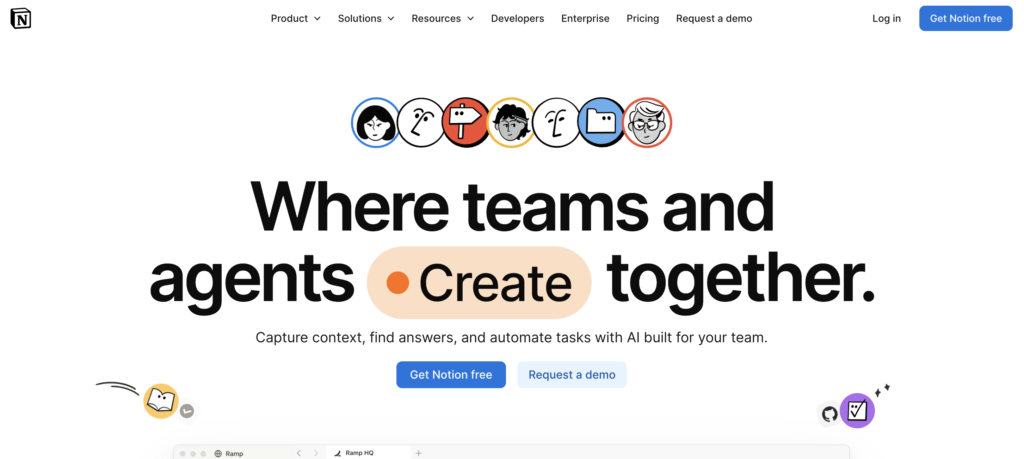
Notion’s core strength is that notes, wikis, and databases live in the same block-based workspace, so your editorial calendar, content briefs, and published-piece archive can all reference each other instead of sitting in separate tools. Its databases support multiple views, filters, and rollups, giving teams close to spreadsheet-level power for tracking keyword targets, publish dates, and content status side by side.
Notion also ships a dedicated wiki feature with page verification, so subject-matter experts can mark documentation as current and get flagged when it goes stale, useful for keeping SEO guidelines and style guides trustworthy over time. Its AI layer can answer questions across the workspace instead of requiring manual searches, and a template marketplace with tens of thousands of options gives teams a fast starting point for a content calendar. Where Notion still lags dedicated project tools is automation and reporting: build a custom database, and you gain flexibility, but you’ll do more manual setup to match the reporting rigor of a purpose-built project management tool.
3. Airtable
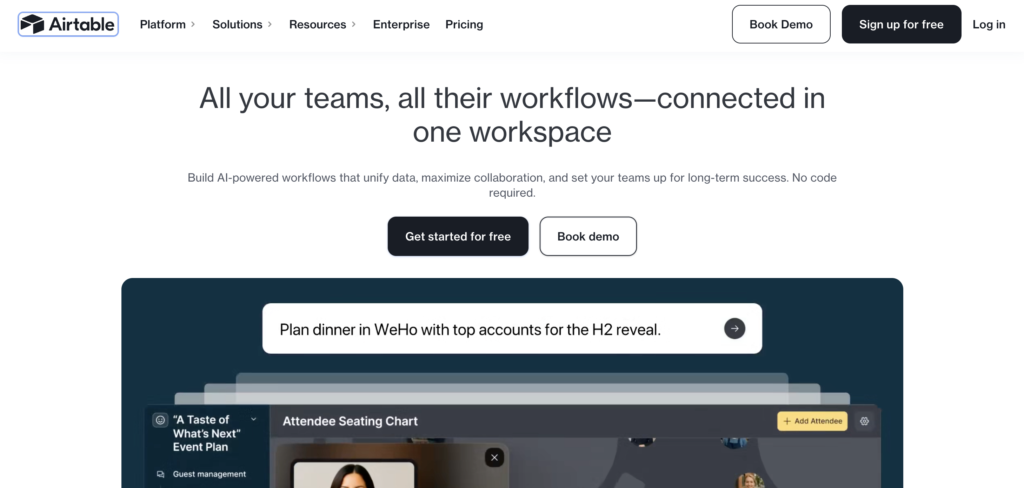
Airtable pairs a spreadsheet-style interface with real database structure, so content teams can organize work and track campaigns, editorial plans, and keyword clusters as connected records rather than static rows. Multiple views, including grid, calendar, Kanban, gallery, and timeline, let different stakeholders see the same data the way that works for them, whether that’s a content calendar for writers or a Kanban board for editors.
Airtable’s built-in AI layer can generate fields, summarize records, and build automations from a plain-language request, and its Interfaces feature turns a base into a simplified dashboard that non-technical stakeholders can use without touching the underlying table. For teams juggling multiple content workflows across clients or brands, that combination of structured data and flexible views is what makes Airtable more scalable than a simple spreadsheet, without the steeper setup curve of a full project management suite.
4. Asana
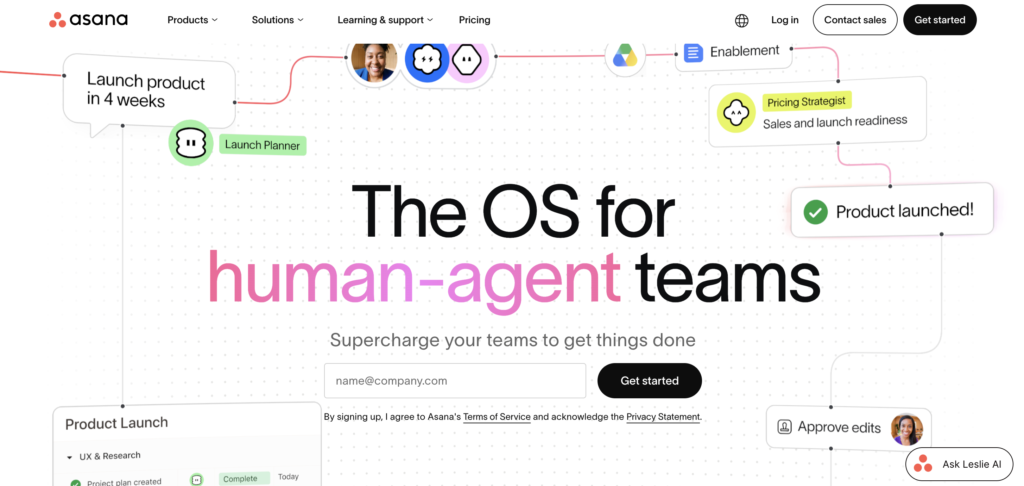
Asana’s workflow builder is one of the more mature automation tools in the category. Multi-step automations, approval flows, and intake forms don’t require technical setup, so marketing teams can route content requests, approvals, and publishing steps without an ops person building the logic by hand. Timeline view handles project dependencies well, which matters for content calendars where one delayed draft pushes back review, design, and publish dates downstream.
Goals connect day-to-day tasks to measurable objectives, so a content team can tie individual articles back to a quarterly traffic or pipeline target instead of tracking output for its own sake. Portfolios roll multiple projects into one health dashboard, useful for agencies or teams running several client content programs at once. Asana’s biggest benefits are improved workflow visibility and management, though it still doesn’t include native SEO research tools, so teams typically pair it with a dedicated SEO platform for keyword and competitive work.
5. ContentStudio
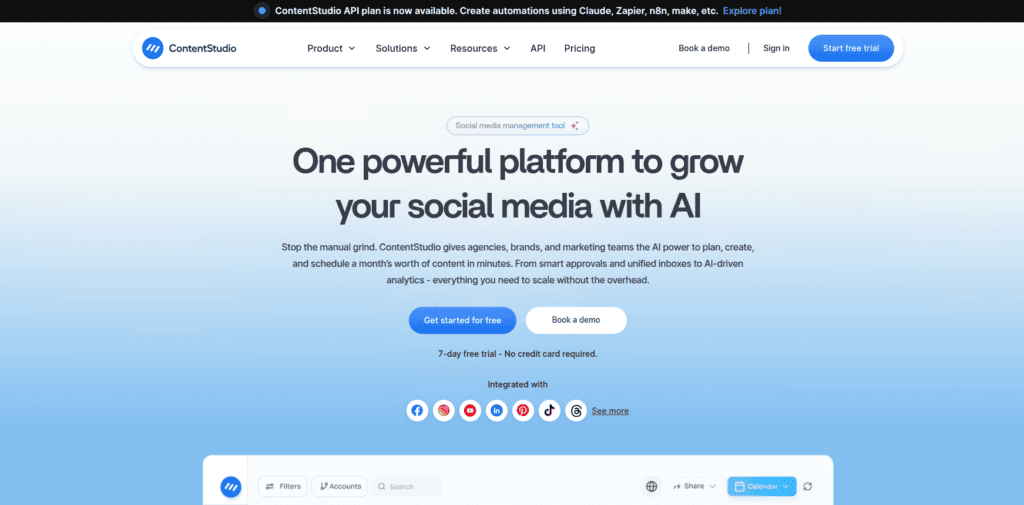
ContentStudio is built around a content calendar that shows everything scheduled across every social channel in one place, so teams aren’t logging into five different platforms to check what’s going out and when. Posts can be planned weeks ahead, tagged by category, and queued in bulk through a CSV upload, and its evergreen campaigns automatically reshare older posts that performed well, so the calendar doesn’t sit empty between new content.
The approval workflow is probably its strongest feature for teams working with clients or multiple stakeholders. Drafts can be shared for sign-off without handing out full account access, cutting down on the email threads and Slack pings that content approvals tend to create. Shared workspaces keep each brand or client’s calendar and assets separate, and an AI content library handles captions and hashtags, rounding out a tool built for structure without a steep setup process. ContentStudio is built for social and multi-channel publishing rather than blog or SEO planning specifically, though teams doing heavy keyword research or topic clustering will still want to pair it with a dedicated tool.
6. Semrush
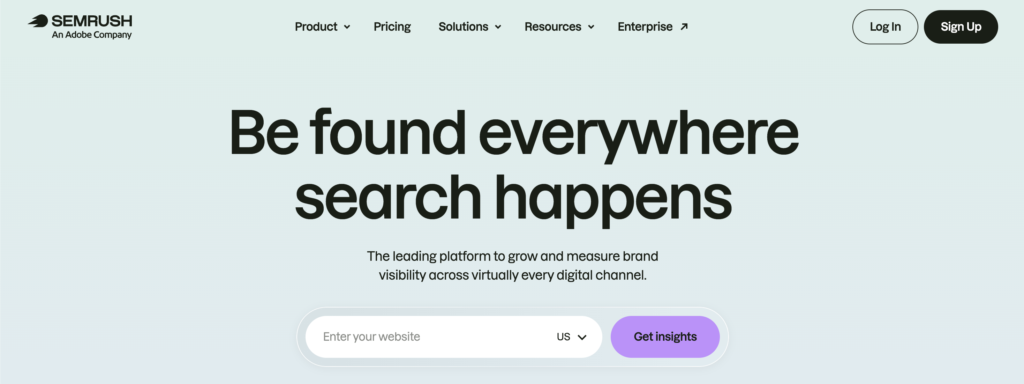
Semrush’s Content Marketing Toolkit brings together the research and writing tools that would otherwise live in separate SEO and editorial tools. Topic Research surfaces popular subtopics, headlines, and the questions your audience is actually searching for, which shapes an outline before a single word gets written. The SEO Content Template then analyzes the top-ranking pages for a target keyword and recommends semantically related terms, backlink targets, and a readability benchmark to hit.
The SEO Writing Assistant scores a draft in real time across SEO, readability, tone of voice, and originality, and integrates directly with Google Docs and WordPress, so writers get feedback while drafting instead of after a strategist reviews it. Content Audit rounds out the toolkit by evaluating existing published content and flagging pages worth updating, consolidating, or retiring, which matters for teams maintaining a large content library rather than only publishing new posts.
How to select the appropriate content planning tool
The right content planning app depends on your team’s size and workflow.
- Teams that prioritize collaboration should consider ProofHub.
- Smaller teams will find flexibility and affordability with apps like Notion.
- Larger teams with more complex processes are better served by solutions like Airtable or Asana.
- Teams focused on SEO should look at Semrush or can use Apify to pull SERPs, competitor pages, and more.
Many teams pair these tools with other project management software for maximum efficiency.
Conclusion
Content planning tools make SEO campaigns easier for marketing teams to execute, increasing efficiency and streamlining execution. The right content planning app depends on your organization’s processes and growth stage, so match the tool to how your team already works, not the other way around.