Key takeaways on choosing content marketing tools
- Most content teams own more software than they use, which makes fit the real buying question. Gartner’s 2025 martech survey found under half of purchased tools get active use, so the license you already pay for is the first place to look before adding another.
- A tool that lives outside your existing workflow is more likely to be abandoned, no matter how good it is. Adoption fails at the seam between the tool and where your team actually works.
- Single-purpose tool and horizontal platforms solve different problems and cost different things. A tool works the day you buy it; a platform is a build project you staff before it returns anything.
- AI branding on an existing product is not the same as AI that removes a step from your process. Gartner found 45% of martech leaders running AI agents say the vendor capabilities miss the business performance they were promised, so the trial is where you find out if AI features are worth it.
- Pricing models matter more than starting prices once a team grows. Per-seat, credit-based, and usage-metered plans that look comparable at two users diverge sharply at ten.
The slice of B2B companies that don’t use any content marketing tools is probably minimal. However, what we do know from Gartner’s 2025 martech survey is that only 49% of purchased tools see active use.
Just like good writing doesn’t guarantee good content performance, neither does using tools for content marketing. The opposite is also true—not using tools doesn’t automatically equal underperformance.
However, if you choose to use tools to make your content marketing workflows more efficient and effective, you need to know how to pick them. After all, the martech landscape now includes 15,384 products to choose from. Here, we’ll cover 12 worthwhile options, plus general criteria to help you make the right choice.
Table of contents
- Key takeaways on choosing content marketing tools
- At a glance: The 12 best content marketing tools
- 4 content marketing tools for research and SEO
- 3 content marketing tools for content creation and editing
- 2 content marketing tools for promotion and distribution
- 3 content marketing tools for content production management
- What top features should content marketing tools have?
- How much do content marketing tools cost?
- Which content marketing tools do you need?
- Frequently asked questions about content marketing tools
At a glance: The 12 best content marketing tools
| Tool | Features | Pricing | User rating |
| Ahrefs | Proprietary search index, AI-answer visibility tracking, organic Share of Voice | From $348/year | 4.5/5 (G2, 714 reviews) |
| AnswerThePublic | Visual question maps, search listening alerts, cross-platform keyword research | From $20/month | 4.5/5 (G2, 38 reviews) |
| Clearscope | Draft grading against top-ranking pages, Google Docs, WordPress and Word integrations, content decay monitoring | From $129/month | 4.9/5 (G2, 92 reviews) |
| Conductor | AI topical authority map, AI-search visibility tracking, search-data-trained AI writer | Contact for pricing (3-week trial) | 4.5/5 (G2, 788 reviews) |
| Grammarly | Company tone profiles, style guide enforcement, works in any app | Free; from $12/month | 4.7/5 (G2, 14,069 reviews) |
| CoSchedule Headline Studio | Data-benchmarked headline score, power and emotional word banks, headline-level SEO score | Free; from $29/year | 4.8/5 (G2, 25 reviews) |
| OneLook Thesaurus | Sentence-to-word reverse lookup, part-of-speech tabs, letter and stress-pattern filters | Free | ~4.7/5 (Google Workspace Marketplace, 305 ratings) |
| Sprout Social | Optimal Send Times, multi-stage approval workflows, social listening | From $948 per seat/year | 4.4/5 (G2, 6,873 reviews) |
| MeetEdgar | Evergreen library with auto-reshare, category-based scheduling, one-click post variations | From $299/year | 4.3/5 (G2, 57 reviews) |
| Airtable | AI brief generation, no-code custom content apps, automated asset variants | Free; from $240 per user/year | 4.6/5 (G2, 3,288 reviews) |
| Asana | Interactive content calendar, rules-based handoff automation, multi-project tracking | Free; from $131.88 per user/year | 4.4/5 (G2, 13,914 reviews) |
| Trello | Kanban boards with Calendar and Timeline views, Butler automation, 200+ integrations | Free; from $60 per user/year | 4.4/5 (G2, 14,064 reviews) |
How we evaluated these content marketing tools
We scored every tool on three things that predict whether it earns its keep after the trial ends:
- Job-to-be-done clarity. Does the tool do one defined content job well, or does it hand you a blank canvas and expect you to build the job yourself?
- Fit with an existing content workflow. Does it work where your writers and editors already draft and ship, or does it ask them to move somewhere new?
- Pricing transparency and what drives cost up. Does the vendor publish what each tier includes and what increases the bill—seats, credits, tracked pages, or prompts?
That framework rules out many tools.
4 content marketing tools for research and SEO
Research is where a content program either compounds or spins, so it’s the category worth getting right first. The four tools here answer different questions—what’s worth writing, what a draft is missing, and whether what you published is still working.
1. Ahrefs: Best for data-backed keyword and content research
Best for: Sizing up a topic’s traffic ceiling before you target it, particularly when writer capacity is the constraint you’re allocating rather than budget.
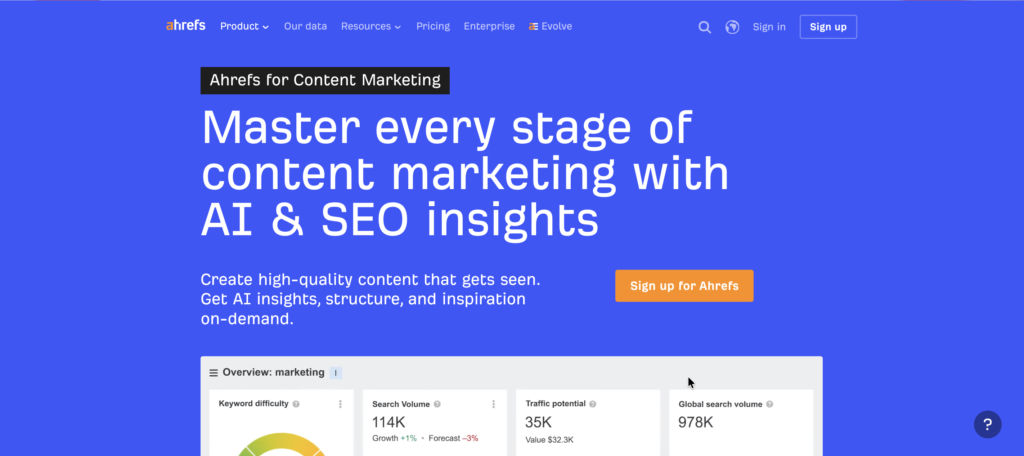
One of our favorite SEO tools here at Omniscient Digital, Ahrefs is an SEO and marketing intelligence platform built on its own crawler and search index. We use it extensively for keyword research, rank tracking, site audits, and competitive analysis. In the past two years it has also extended into AI-answer visibility.
For content teams, Ahrefs can support both ongoing tracking and act as the input layer for deciding what to prioritize and write.
Pros:
- Keyword research runs against an index covering 28.7 billion topics across 217 locations, giving teams broad coverage for long-tail and international research.
- Traffic Potential shows the estimated traffic received by the current top-ranking page for a keyword, including traffic from related queries. This tells you a topic’s ceiling before a writer starts.
- Organic Share of Voice tracks performance at the portfolio level, giving you a content KPI that survives individual keyword volatility.
Pricing: Ahrefs annual pricing starts at $29 per month for Starter, rising through Lite at $108, Standard at $208, Advanced at $374, and Enterprise at $1,499.
Results: Security training platform Hack The Box grew first-page Google keyword rankings by 600% in four months using Keywords Explorer, Rank Tracker, and Site Audit.
2. AnswerThePublic: Best for question-based content ideation
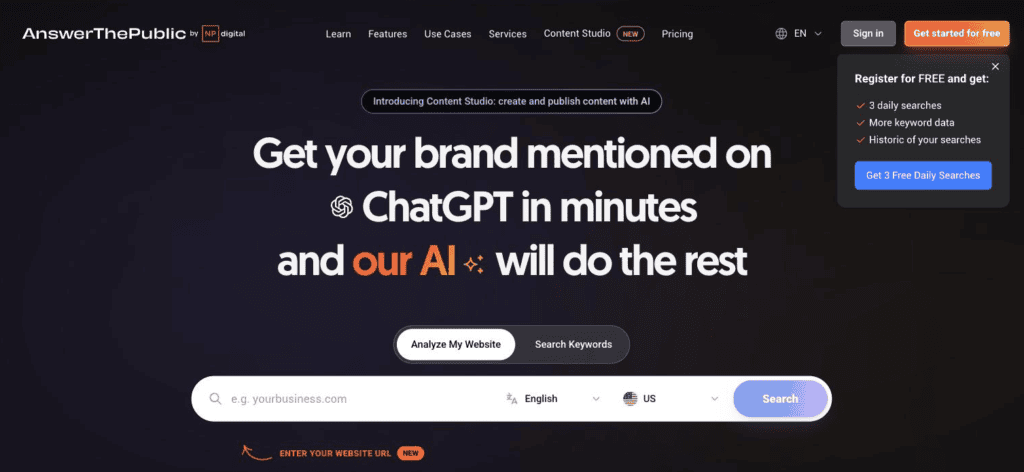
Best for: Teams whose briefs are based on non-descript keywords, when what their writers needs is the actual question a reader typed.
AnswerThePublic, part of NP Digital, turns a seed topic into visual maps of the questions, prepositions, and comparisons people type into search engines. Its AI Dashboard provides additional insight into how AI describes a keyword.
Where a keyword tool hands you volume and difficulty, this one hands you phrasing—the raw language your audience uses before anyone has stripped it down to a simple target term. It sits earlier in the process than the rest of the tools in this category, and is useful during the early ideation stage.
Pros:
- Search Listening Alerts send weekly email digests of new questions appearing around a topic, which turns a one-time research session into an ongoing input.
- Paid plans export results, so you can filter and pivot the data outside the tool when you’re building a quarterly plan.
- Collections group every term tied to one project or client in a single place, which matters if you run more than one content program.
Pricing: AnswerThePublic’s plans start at $20 per month for Starter, with Growth at $99 and Business at $199. Paid tiers include a seven-day free trial.
Results: An SEO executive at a small business reviewed said in a G2 review that AnswerThePublic helped him to understand the search terms driving the company’s traffic. In turn, he said, this “helped me in the reduction of bounce rate.”
3. Clearscope: Best for optimizing drafts for Google and AI search
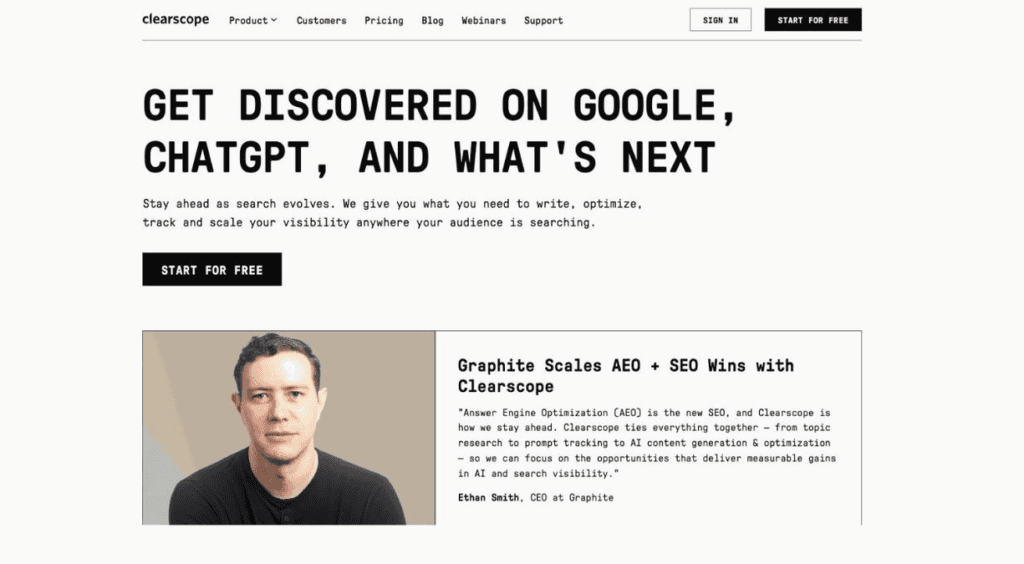
Best for: Editorial teams shipping regularly enough that drafts need a consistent quality threshold, rather than an editor’s judgement alone.
Clearscope grades drafts against the terms and topics that top-ranking pages cover, and now tracks how brands surface in AI chatbot answers too. Instead of an SEO toolkit, it positions itself as a content and discoverability platform that combines SEO optimization, content analytics, and visibility tracking across Google and AI-powered search.
Pros:
- While you can use the Clearscope editor directly, you can also see its recommendations within Google Docs, WordPress, and Microsoft Word where your writers already work.
- This tool shows the grades, length, and topic coverage of the top-ranking pages, so you can make your own content more competitive.
- Ongoing content monitoring flags published pages losing traffic, which turns keyword research into a maintenance loop rather than a one-time exercise.
Pricing: Clearscope’s Essentials plan is $129 per month, and Business is $399, with Enterprise priced custom. No contracts, and a 14-day free trial.
Results: Dating app Paired recorded a 2,000%-plus lift in organic traffic in under 12 months, and used Clearscope to bring order to its SEO process.
4. Conductor: Best for monitoring search and AI visibility at scale
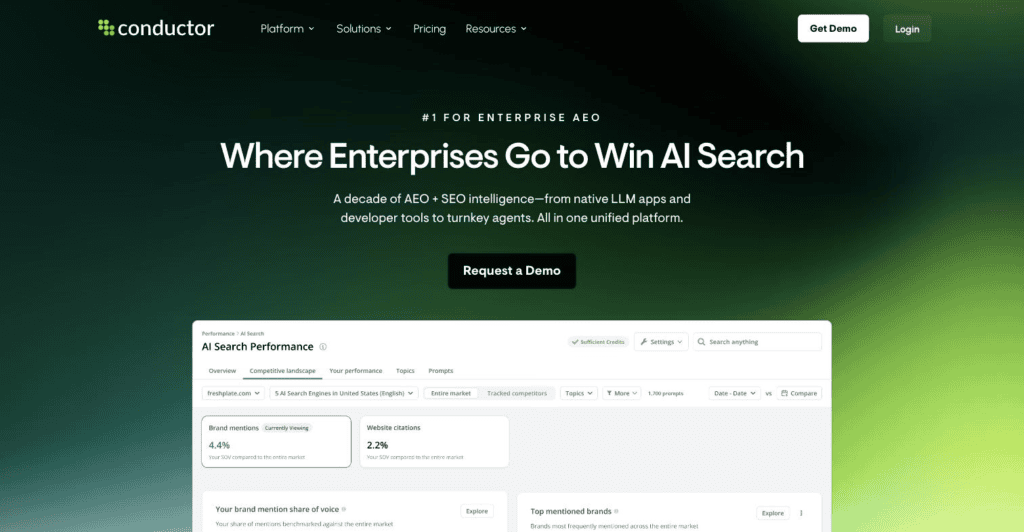
Best for: Large content libraries where a silent technical regression costs more than any single piece of content earns, and nobody notices for weeks.
Conductor is an enterprise platform that combines AI-search visibility tracking, content creation, and technical site monitoring in one system. It brings answer-engine optimization and traditional SEO visibility into a shared platform, allowing teams to analyze both within one workflow. That consolidation is the pitch, aimed at teams whose site is large enough that monitoring stops being optional.
Conductor is the heaviest tool on this list in both capability and commitment, and it expects a corresponding level of buy-in.
Pros:
- The platform provides continuous monitoring of AI-bot crawling and other technical signals. Its real-time alerts and prioritized fixes are meant to surface issues before the next scheduled audit.
- Conductor can track brand visibility across ChatGPT, Gemini, Copilot, Claude, and traditional search. Available engines and reporting depend on configuration and plan.
- The tool provides an AI topical authority map. It surfaces content gaps automatically, replacing the spreadsheets many teams maintain by hand.
Pricing: Conductor doesn’t publish prices, but it does publish what each tier includes. For example, the Essentials plan covers 1,000 pages analyzed and 500 tracked keywords, while Enterprise starts at 125,000 and 60,000 (with two other plans available in between). The model is usage-based, with a three-week free trial.
Results: Apparel brand Title Nine grew content velocity by 400% per month and AI-driven sessions by 1,000% over a year. Overall organic traffic rose 30% YoY.
Get the AEO field guide with our mental models for AI search. Several tools above now sell against AI search visibility, and the guide covers how to decide what’s actually worth tracking.
3 content marketing tools for content creation and editing
Research tells you what to write, but this next group affects what actually lands on the page. They sit at different points in a draft’s life, and pair well with a disciplined brief—our AI citation briefs workflow covers what to put in one.
1. Grammarly: Best for in-line editing across your team’s apps
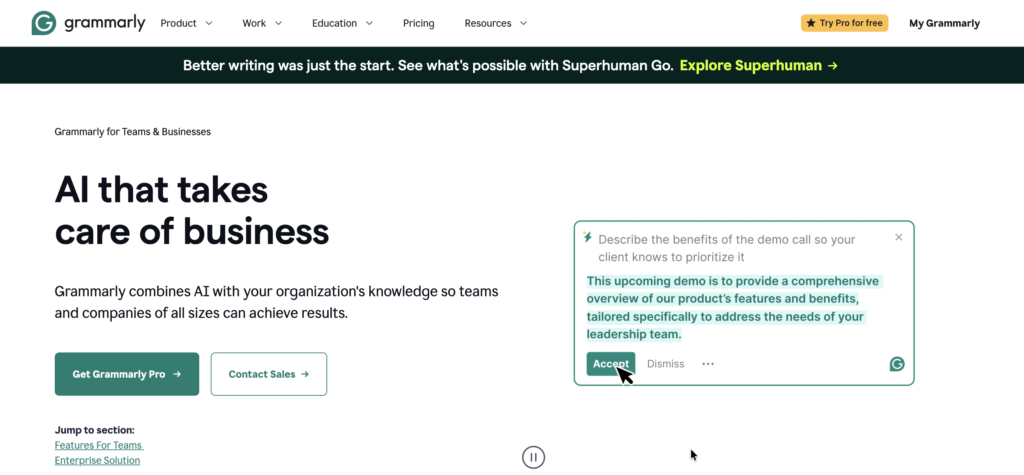
Best for: Content teams that value editorial quality, especially in cases where contractors or non-writers are producing content and copy.
Grammarly, now part of Superhuman, is an AI writing assistant. It handles proofreading, clarity edits, tone adjustment, and generative text across more than one million supported apps or websites.
Though it does have its own editor, Grammarly’s strength is broad availability. It works where writing already happens instead of asking your team to write somewhere else. This is why it tends to stick in organizations that have tried and abandoned dedicated editing tools.
Pros:
- You can encode your brand voice as a tone profile, and suggestions across the whole organization follow it.
- You can upload your existing style guide into Grammarly and extend it with new terms over time. This way, house rules get enforced more reliably without a human trying to catch every issue.
- Team dashboards track writing strengths and improvements, giving a content lead visibility into quality trends across contributors.
Pricing: Grammarly offers a Free plan at $0 per month and a Pro plan at $12 per month. Enterprise capabilities are available through Superhuman Go, with pricing provided by sales.
Results: Zoom estimated that it saved 7,000 hours on written communication during its first nine months, representing a calculated value of $210,000 (based on a $30 hourly employee-cost assumption).
2. CoSchedule Headline Studio: Best for headline testing
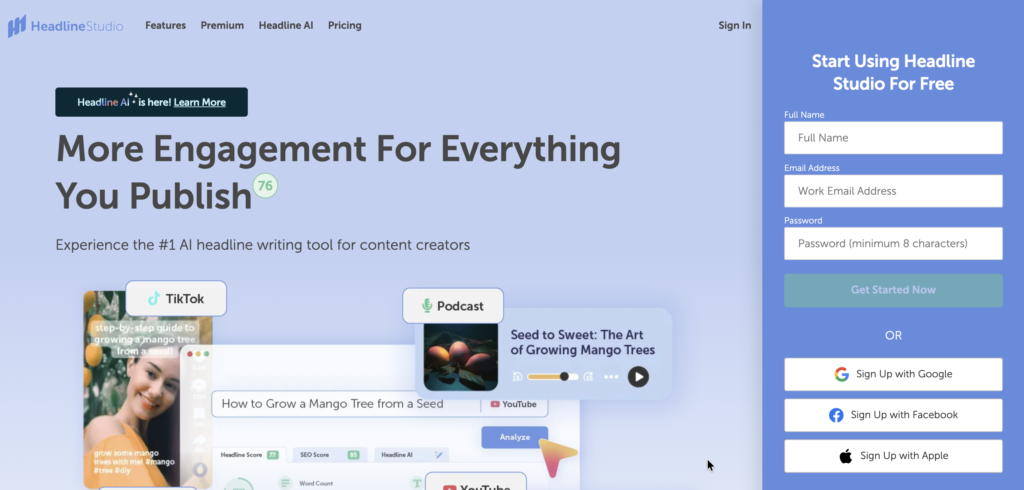
Best for: Publishing programs where traffic is capped by click-through rather than ranking.
CoSchedule Headline Studio scores draft headlines and returns specific feedback for improving them. The score is based on data-driven analysis informed by millions of headlines and combines that benchmark with factors such as word balance, length, and sentiment. This benchmarking gives you a measurable input to use alongside your own judgment about context, brand voice, and audience.
CoSchedule is the narrowest tool on this list, and takes only minutes to adopt. No substantial training needed to use it.
Pros:
- The score is built on a corpus running to millions of published headlines, so feedback reflects what has performed rather than style preference.
- CoSchedule’s separate SEO score can help you increase the chances of ranking in search. This keeps click-worthiness and search intent from pulling in opposite directions.
- Power word and emotional word banks sit inside the editor alongside a full thesaurus, so you can strengthen your headlines right from within the tool.
Pricing: Headline Studio has a free Basic tier that gives you 10 credits per month. From there, pricing increases based on the number of credits you need per month, with the basic plan starting at $29 per year and Premium at $49 annually.
Results: In a Capterra review, a content manager said: “Roughly 9 out of 10 headlines I updated have seen a significant improvement in CTR, meaning my traffic has seen a large increase from the same number of impressions.”
3. OneLook Thesaurus: Best for finding the word you can’t recall
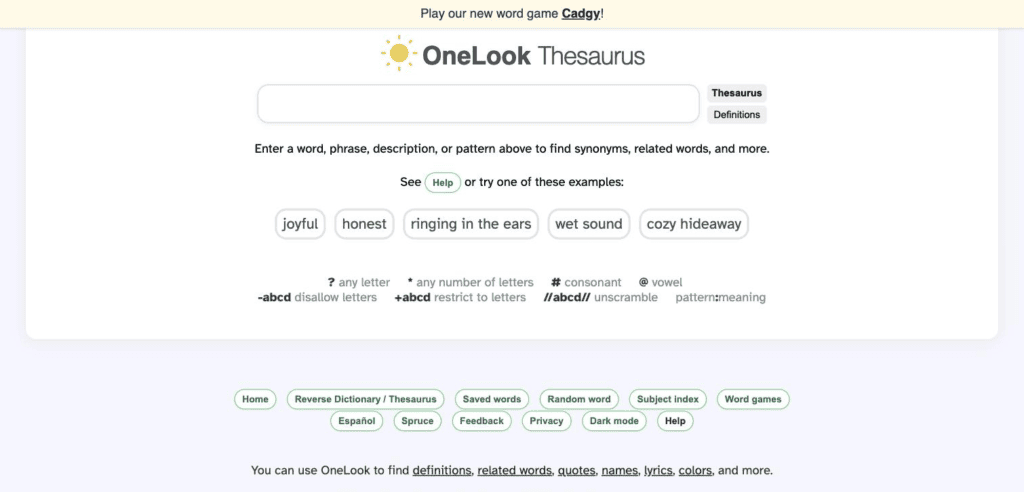
Best for: Writers stuck on naming, headlines, or a concept they can put into a sentence but can condense into a term.
OneLook Thesaurus is a free word-finding tool from Datamuse that works as both a thesaurus and a reverse dictionary. Where a standard thesaurus needs a starting word you already have in mind, this one takes a plain description of the idea instead. You type what you mean, and it returns the vocabulary that matches. This tool is what saves the day when you can’t simply look up synonyms for a word you already have.
Pros:
- In OneLook, you can type anything from one word up to a full sentence describing an idea, so a half-formed thought is enough to start with.
- You can sort and filter results in several ways, letting you narrow many candidates down to the one that works best.
- Results filter by part of speech through tabs, which matters when a headline needs a verb and the tool keeps returning nouns.
Pricing: OneLook is free to use, with no paid web tier.
Results: OneLook has nearly 5 stars across 300+ ratings on Google Workspace Marketplace.
Editing tools only help once the brief is right. Start from the SEO content brief template we use both for ourselves and our clients.
2 content marketing tools for promotion and distribution
Publishing is the middle of the process, not the end of it. Both tools below handle the part most content teams under-resource: getting work in front of people after it goes live.
Several schedulers compete here—with tools like Buffer and Hootsuite among them—and they differ mainly in how much reporting and approval structure they carry. Our guide to content distribution covers the strategy they execute against.
1. Sprout Social: Best for managing expansive social distribution
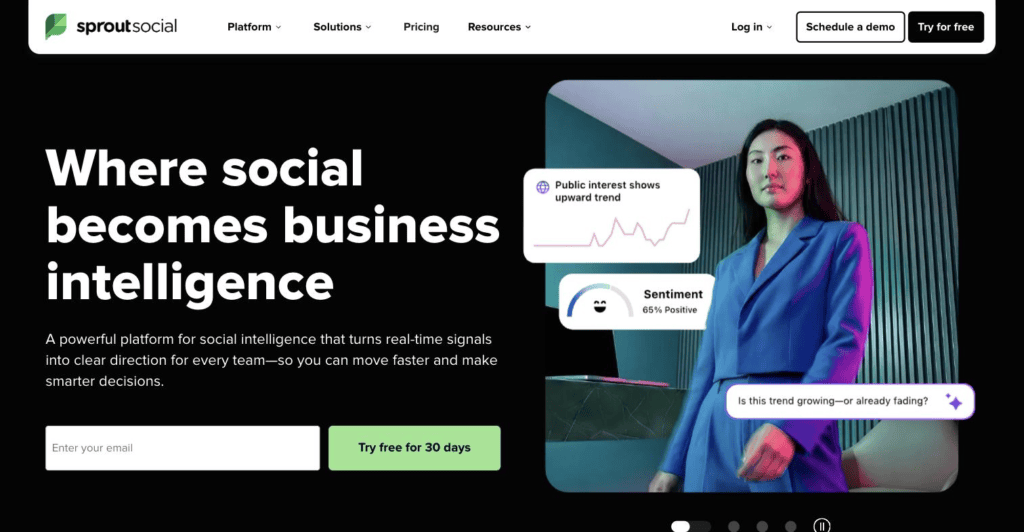
Best for: Teams coordinating social across several brands or regions, where approvals currently happen in tools like Slack that nobody can audit later.
Sprout Social covers publishing, engagement, analytics, listening, and influencer marketing from a single system built around social intelligence. It turns live signals into direction for the wider organization rather than treating social as a scheduling problem to be automated away. That framing shows up in what the product measures and how it reports.
Pros:
- Sprout Social allows you to schedule posts across multiple profiles and networks at once, instead of one at a time.
- Optimal Send Times analyzes up to 16 weeks of historical engagement data. It then recommends posting windows for each profile based on when your audience is most likely to engage.
- Approval workflows route messages through internal and external reviewers, which regulated teams and agencies need before anything is published.
Pricing: Sprout Social starts at $79 per seat per month on Essentials with annual billing. Standard is $199, Professional $299, and Advanced $399.
Results: While using Sprout Social, Infor generated $100,000 in earned media value in May 2026 through its employee advocacy program. The company also saw its engagement rate increase by 119.5% year over year.
2. MeetEdgar: Best for recycling evergreen content on autopilot

Best for: Small teams with a back catalog worth resurfacing and nobody whose job it is to schedule posts every week.
MeetEdgar is a social scheduling tool that publishes across more than ten networks from one dashboard. Its distinguishing mechanism is recycling: instead of draining a queue, it draws from a permanent categorized library and re-shares past posts on a repeating schedule. This differs from how most schedulers work.
The library becomes the asset you build, and the calendar fills itself from that source. The arrangement suits teams who write more than they promote, and who would rather maintain a catalog than a queue.
Pros:
- Once the queue of fresh posts empties, Meet Edgar can recirculate older ones on a schedule you set to keep your channels active.
- Scheduling is organized by category and time slot rather than by individual post, which means you maintain a structure instead of a queue.
- MeetEdgar can generate multiple variations of a post, so that you have options to choose from and adapt as needed.
Pricing: MeetEdgar’s two tiers are priced at $24.91 and $49.99 per month billed annually.
Results: Linda Reed-Enever, co-founder of the Enever Group, credits the tool with saving time for her team, clients, and students. It keeps them “consistently present on social media, even when [they] don’t feel like posting.”
3 content marketing tools for content production management
Where a brief lives between assignment and publication directly impacts how much time you’ll spend chasing down content status info. The three tools here help to keep that time to a minimum, and the gap between them is mostly how much you’re willing to build. Our guide to content operations covers the process these tools carry. If your needs run wider than content, broader project management tools cover similar ground with less editorial specificity.
1. Airtable: Best for building a custom content operations system
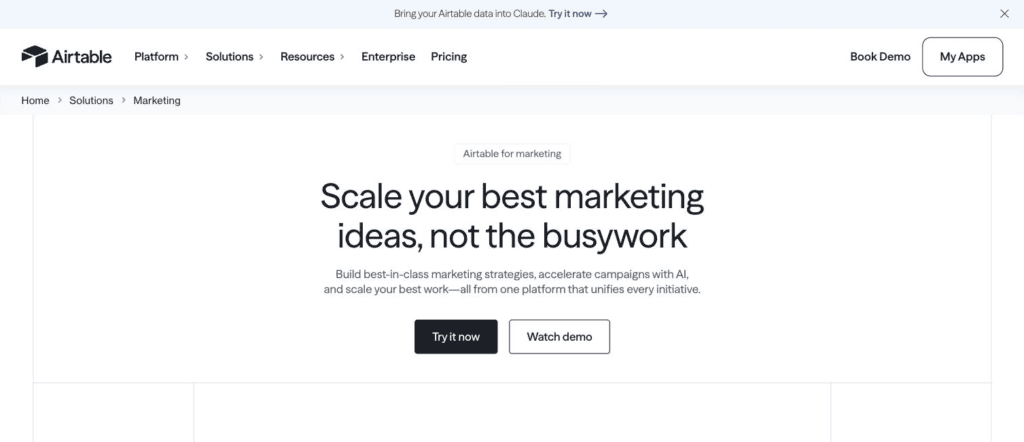
Best for: Content operations with requirements no off-the-shelf tracker fits, and someone on the team willing to own the build.
Airtable is a relational database and app-building platform that marketing teams use to construct their own content systems on structured records.
Since its June 2025 relaunch, the company sells it as an AI-native app platform that helps teams build custom apps, workflows, and agents with AI assistance. That repositioning matters for anyone comparing it against older reviews. Today, it’s closer to an application platform than the spreadsheet-database it was, and it also handles larger data storage needs than a simple tracker.
Pros:
- Loose notes can become finished briefs and dated timelines through AI, which removes the most tedious step in assigning work.
- Agencies and freelancers get one shared place for briefs, deliverables, and roadmaps, which helps if your production model is outsourced.
- Airtable can help you automatically adapt approved assets into social posts, landing pages, and email campaigns. This makes repurposing published work a natural workflow step rather than a separate project.
Pricing: Airtable’s free plan costs nothing, with the Team plan at $20 per user per month billed annually and Business at $45. Custom enterprise pricing is also available.
Results: Dropbox’s content team reported producing blog posts three times faster after implementing a custom content-tracking app, while blog traffic increased by 30% over the following three months.
2. Asana: Best for connecting content work to revenue goals
Best for: Content teams whose work sits inside larger campaigns, and who get asked to justify production volume against pipeline.
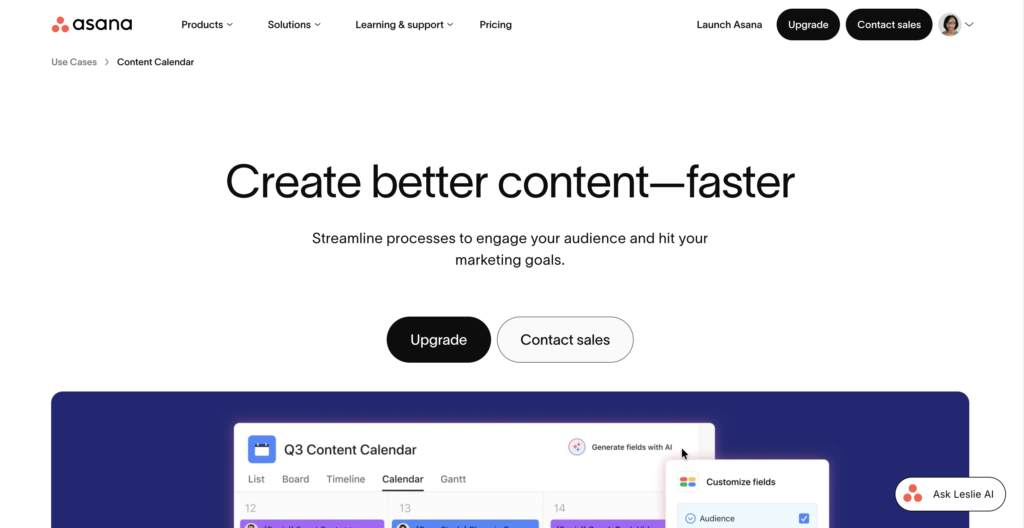
Asana is a work management platform that content teams use as an editorial calendar and end-to-end production workspace. Its position among the three tools listed in this category is marketing operations at scale—the company frames it around connecting marketing work to revenue.
Reporting dashboards and portfolio views provide visibility across content projects and production workflows, helping teams monitor progress and connect work to broader marketing goals. If someone asks what content contributed this quarter, Asana can help answer that question.
Pros:
- Upcoming and published content appear in one interactive calendar with Asana, so pipeline gaps are visible without a manual audit.
- Rules handle routing, handovers, and chase-ups automatically, reducing the manual coordination needed to keep an editorial cycle running smoothly.
- Task templates encode every step from planning to publish, so each new piece starts from the same standard.
Pricing: Asana’s Personal tier is free forever, with annual plans at $10.99 and $24.99 per user per month. Enterprise pricing also available.
Results: With Asana’s help, G2’s marketing team was able to launch campaigns twice as fast. It saved more than 180 hours quarterly on check-in meetings, and scaled the marketing team sixfold in one year.
3. Trello: Best for a lightweight editorial calendar
Best for: Small content teams that need to set up an editorial calendar faster without a configuration project, an administrator, or a migration plan.
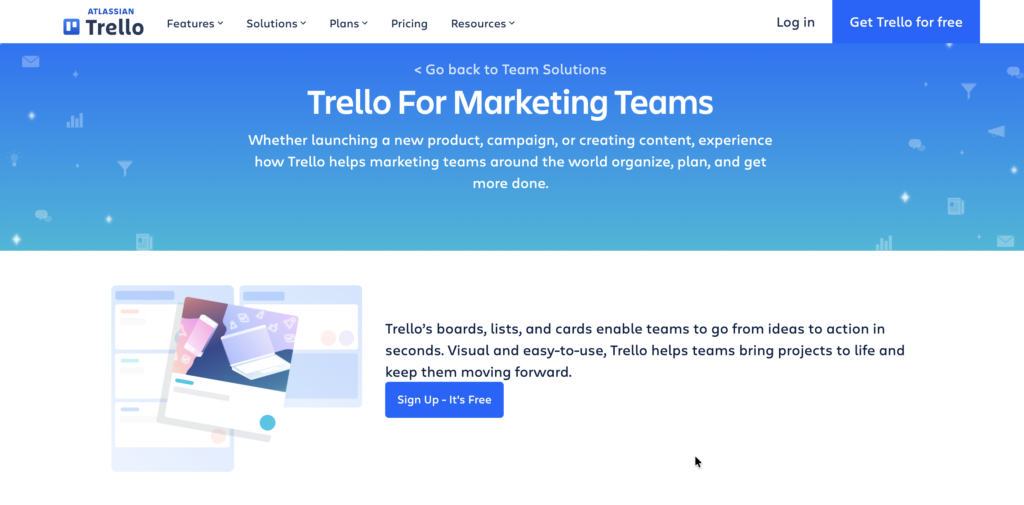
Trello is Atlassian’s Kanban tool, organizing work into boards, lists, and cards. Content teams often use it as an editorial calendar and publishing pipeline. Simplicity is Trello’s strength since it requires near-zero setup and anyone can understand how it works from day one.
A May 2025 relaunch also layered a personal Inbox and Planner on top of the shared boards, without changing how the boards themselves work. For strong task management with no build phase, it remains one of the shortest paths.
Pros:
- One Trello board covers ideation, contributor coordination, and scheduling, so a small team doesn’t need three separate systems.
- Labels carry editorial metadata such as pillar, target term, and theme, while custom fields can track roles and illustrations.
- Automation builds advanced checklists, sets due dates, and alerts stakeholders, which handles the recurring mechanics of an editorial cycle.
Pricing: Trello is free for up to 10 collaborators per Workspace. Standard is $5 per user per month billed annually, Premium $10, and Enterprise $17.50+ depending on the number of users.
Results: In a G2 review, a deputy head of marketing at a mid-market technology company said, “Nobody is sending messages asking for status updates because the board already has the answers.”
Not ready to commit to a platform? Start with our free content calendar template. It costs nothing to find out whether a calendar is the real gap.
What top features should content marketing tools have?
The comparison above tells you what each tool does. What it can’t tell you is which dimensions decide whether the purchase works for your company specifically. So what should you look for?
1. Integration with your existing writing and publishing stack
The most common buying mistake is evaluating a tool in its own interface. It demos beautifully there, because that’s the environment it was designed to demo in. The question that predicts adoption is narrower: where does your team actually draft?
If the answer is Google Docs and the tool requires a separate editor, writers may use it for the first month and stop. Optimization tools that run as add-ons survive that test; standalone editors are less likely to. The same logic applies at the publishing end, where a CMS plugin decides whether recommendations reach the person hitting publish. And at the outreach end, where a tool that finds emails only helps if the addresses land somewhere your team already works.
Before you buy, open the tool’s integrations page and check it against your actual stack.
2. Depth in one job versus breadth across many
Picture two shortlists. One holds a $4-per-month headline scorer; the other holds a platform that could run your entire content operation if you configure it correctly. Both are reasonable purchases, and they carry completely different obligations.
A single-purpose utility works the afternoon you buy it. A platform is a build project—someone designs the schema, someone maintains it, and the value arrives weeks after the invoice does. Neither is better in the abstract, but only one of them needs a designated owner to handle setup before you can start seeing results.
The honest test is whether you have that person (and whether they have the resources to tackle the task). If you don’t, the utility that solves one job today beats the platform that could solve six. Name the owner before you sign, or buy the narrower tool.
3. Onboarding effort and time to first value
Along similar lines, time to first value is the cost nobody quotes. A tool priced at $59 a month might seem relatively cheap on paper. However, if it takes six weeks of configuration plus hours of your team’s time to maintain every week, there’s a hidden cost there. (As the saying goes, time is money.)
Additionally, the gap gets wider the more customization a tool allows. Flexibility is valuable, but it is a bill paid in staff hours before any content ships, and those hours come from the same budget that pays for writing.
Teams who would rather spend that capacity on output sometimes find outsourced content production is the cheaper comparison.
Ask any vendor for the median time from contract to first published output to help make your decision on how long is too long.
4. What the AI features actually do
Gartner surveyed martech leaders in 2025 and found that 45% of those running AI agents say vendor capabilities underdeliver on business performance. The same survey put content production as the top pilot use case, at 52%. So the odds are good that the tools on your shortlist are pointing AI at your workflow but maybe not in an effective way.
One distinction worth testing is whether the AI removes a step or renames one.
For example, a feature that turns rough notes into a finished brief removes a step your team currently performs. One that rewrites a paragraph you’d have rewritten anyway has only shifted the work instead.
To be clear, a shift isn’t automatically worthless. For instance, if an AI rewrite is good enough to ship, you’ve still saved the time you’d have spent on it. But if it comes back sloppy and you rework it by hand, you’ve paid for the feature twice.
The whole question is which of those you’re getting. Our take on content marketing and AI goes deeper on where the genuine gains sit. During the trial, run one real piece end to end, then count both the steps you skipped and the ones where the output still required manual work.
5. Data portability and switching cost
Lastly, think long-term. Two years in, a platform holds your briefs, your calendar history, and every performance note an editor ever left. Switching costs are not really about migration effort at that point—they’re about what you lose that never comes back.
If you need to retain access to that information, perhaps to inform your strategy going forward, it’s better to determine that sooner rather than later. Don’t wait until a renewal negotiation goes south and it’s time to migrate to another platform.
Also, check the export format before you commit, and confirm you can get your data out as something more useful than a PDF.
How much do content marketing tools cost?
Prices on this list run from free to enterprise contracts with no published figure, and the spread is wider than the categories suggest.
Four pricing models cover almost everything you’ll encounter:
- Per-seat. Roughly $5 to $80 per seat per month across this list. Cost scales with headcount, which is predictable but punishing for teams that want occasional contributors in the tool.
- Flat subscription. Roughly $4 to $130 a month, whatever the team size. What you pay is what you pay, regardless of who uses it.
- Credit or usage-metered. The bill tracks activity — pages analyzed, prompts monitored, drafts generated. A busy quarter costs more than a slow one.
- Quote-only. Enterprise platforms publish what each tier includes but not what it costs, and contracts are negotiated.
The hidden costs sit in three places:
- Seats billed on top of a plan, which can add tens of dollars per extra user per month.
- Annual commitments that make the advertised monthly rate unavailable month-to-month.
- And onboarding time on configurable platforms, which is real spend even though it never lands on an invoice.
A useful sanity check: total the annual cost for the number of people who genuinely need access, then add the staff hours to reach first output. That number is what you’re actually approving.
Which content marketing tools do you need?
To settle on the right tools for your company, start from the job that’s currently blocked. If briefs are inconsistent, a headline scorer won’t help. If nothing ships on time, a better keyword tool won’t fix a calendar problem. The tool that solves the constraint you actually have beats the tool that fills a gap in your category coverage.
Additionally, resist the urge to complete a set. Acing content marketing best practices with the help of four tools your team opens daily beats owning twelve tools that are used infrequently or ineffectively.
Last but not least, remember that tools are also downstream of strategy. They execute a plan; they don’t produce one, which is the gap our SEO strategy and content strategy services are built to close.
When the strategy is right, the results follow. For example, Convert grew LLM visibility by 81% and AI citations by 140% in 60 days. The strategic judgment that made this possible is what no tool supplies.
If you’re unsure of what content is worth producing and/or how to know whether it worked, it’s worth booking a free strategy call.
Frequently asked questions about content marketing tools
What is a content marketing tool?
A content marketing tool is any software that supports a stage of the content lifecycle such as research, creation, optimization, distribution, or production management. The category is broad enough that two tools labeled the same way may share nothing in common.
That breadth is why category labels are a poor shortlist filter. Sorting by the stage you need help with is more reliable.
Are there free content marketing tools worth using?
Yes, and a few are complete products rather than trial tiers. OneLook is entirely free, and Grammarly, Trello, Asana, and Airtable all offer free plans that a small team can genuinely work in.
Free plans are weakest in research and optimization, where the underlying data is the expense. Expect to pay in those categories and to get real mileage from free tiers elsewhere.
How many content marketing tools does a team need?
Most content teams operate well with one tool per stage they actively run—typically three to five in total. Adding a sixth usually signals a process gap that software won’t close.
The better question is which stage currently costs you the most time. Buy for that one, get it adopted, and reassess before adding another.